For parents · video guide
The family view — video guide
Your children side by side — what each has done, and where to help.
 Presented by Jason, Mandarin Temple's AI tutor · 1:34
Captions are part of the picture, under Jason. The full transcript is below.
Read the transcript
- Hi, I’m Jason, Mandarin Temple’s AI tutor. Here’s how to follow your child’s progress, shown with a demonstration parent and her daughter.
- Your Family tab shows each child, and for one with their own login, when they last practised and on how many days this week.
- Select Stats for their own record: lessons completed, their streak, XP, this week’s study time and the day they last practised.
- Underneath, how far through each HSK level they are, counted the same way as on their own lessons page.
- Explore lists everything they can practise, from lessons and flashcards to listening, reading, speaking and writing, so you can preview any of it.
- In the Learning Lab, Family gives each child a card of their own, and never averages two children together.
- Their own page starts with where they are: what they recognise, what they can say and write, and what has stuck.
- Then what would help them most, in plain words. When nothing stands out, it says so rather than inventing a problem; when something does, the evidence is written underneath.
- And under Activity, when they practised across the day, and how close each skill is to the Lab’s threshold.
- That’s the family view: live figures in your dashboard, and a page of their own for each child in the Learning Lab.
In this video
- 0:00Introduction
- 0:10Your Family tab shows each child, and for one with their own login…
- 0:20Select Stats for their own record: lessons completed, their streak…
- 0:29Underneath, how far through each HSK level they are, counted the same…
- 0:37Explore lists everything they can practise, from lessons and…
- 0:47In the Learning Lab, Family gives each child a card of their own, and…
- 0:55Their own page starts with where they are: what they recognise, what…
- 1:03Then what would help them most, in plain words
- 1:16And under Activity, when they practised across the day, and how close…
- 1:24What to do next
Prefer to read it?
The written guide covers the same ground, with every step and the questions people ask.
The family viewMore video guides
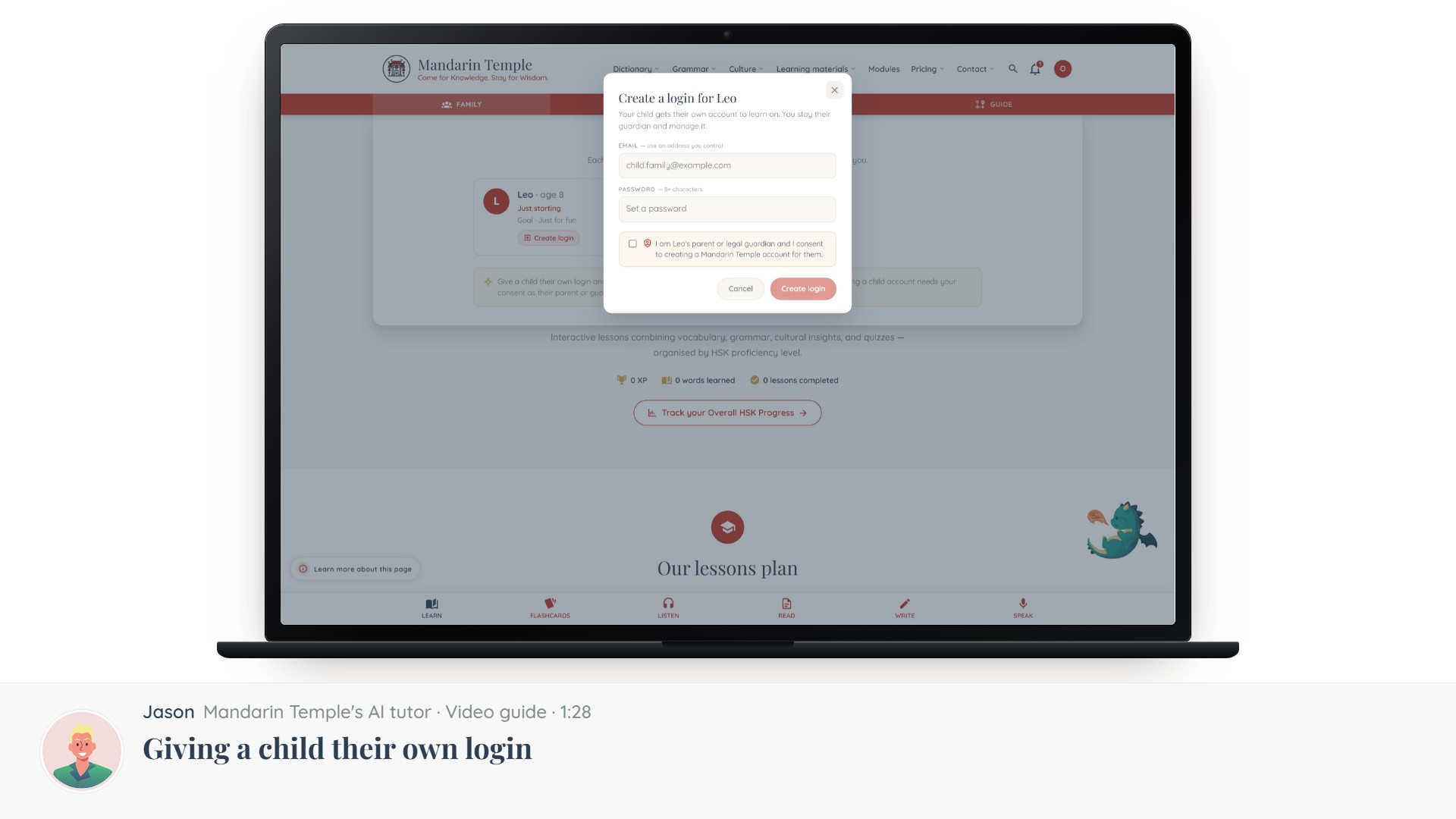 Length 1:28Giving a child their own loginThe consent step, what a child account can and cannot do, and how to take it back.Child loginsConsent
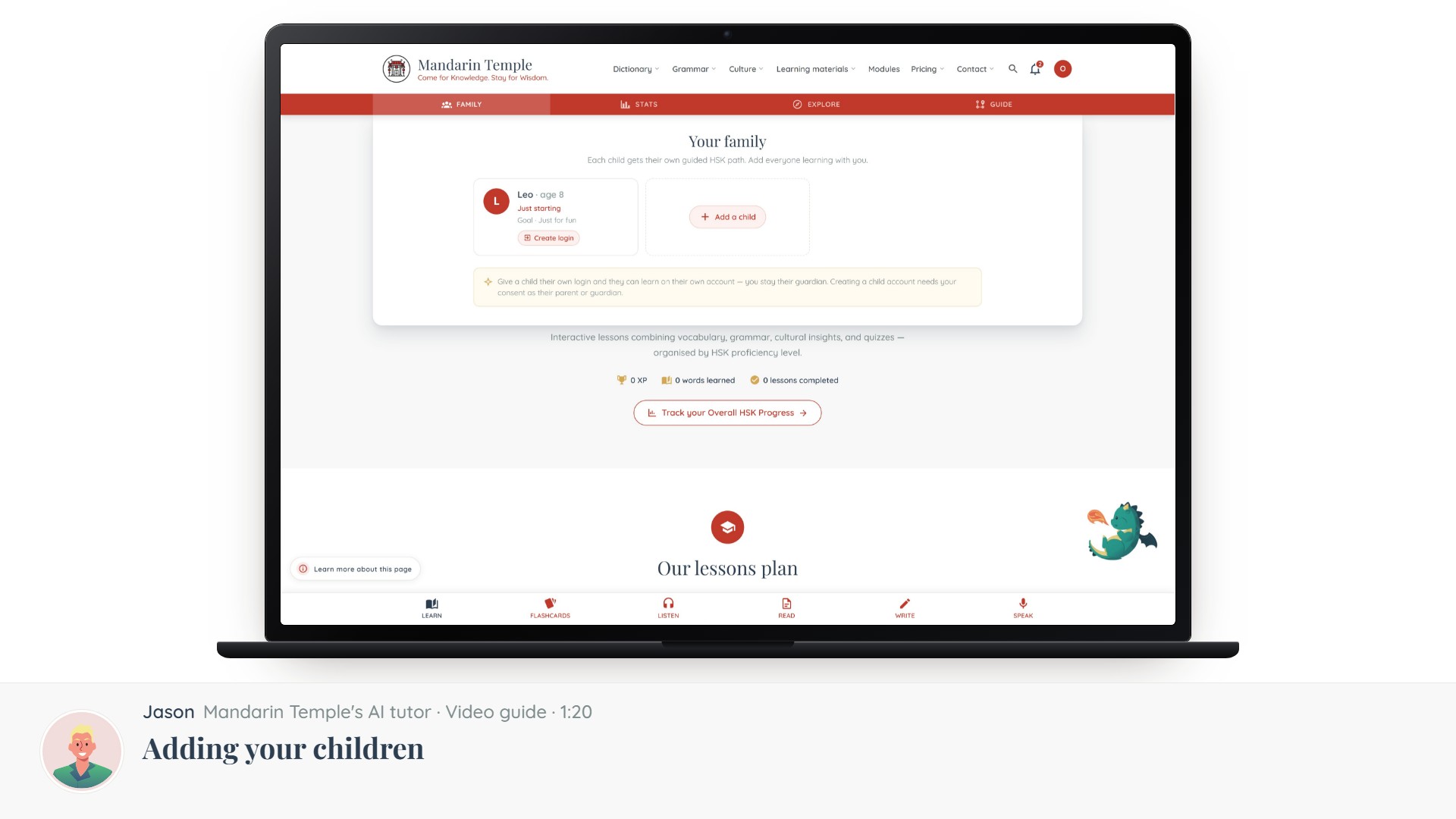 Length 1:20Adding your childrenCreating a profile per child, setting their level and goals, and why they start without a login.Child profiles
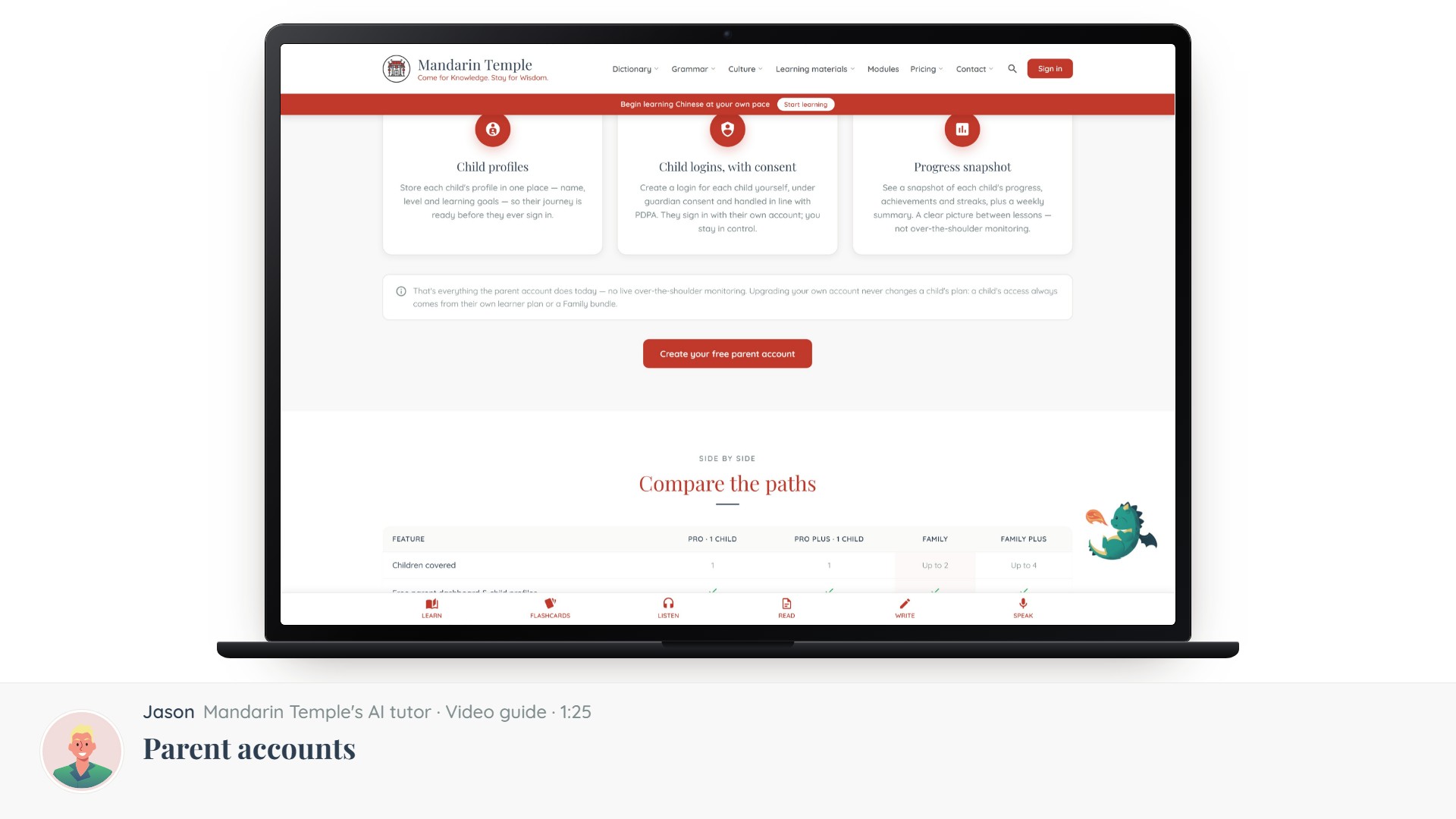 Length 1:25Parent accountsWhat a parent account is for, how it differs from a learner account, and how to switch.Parent account
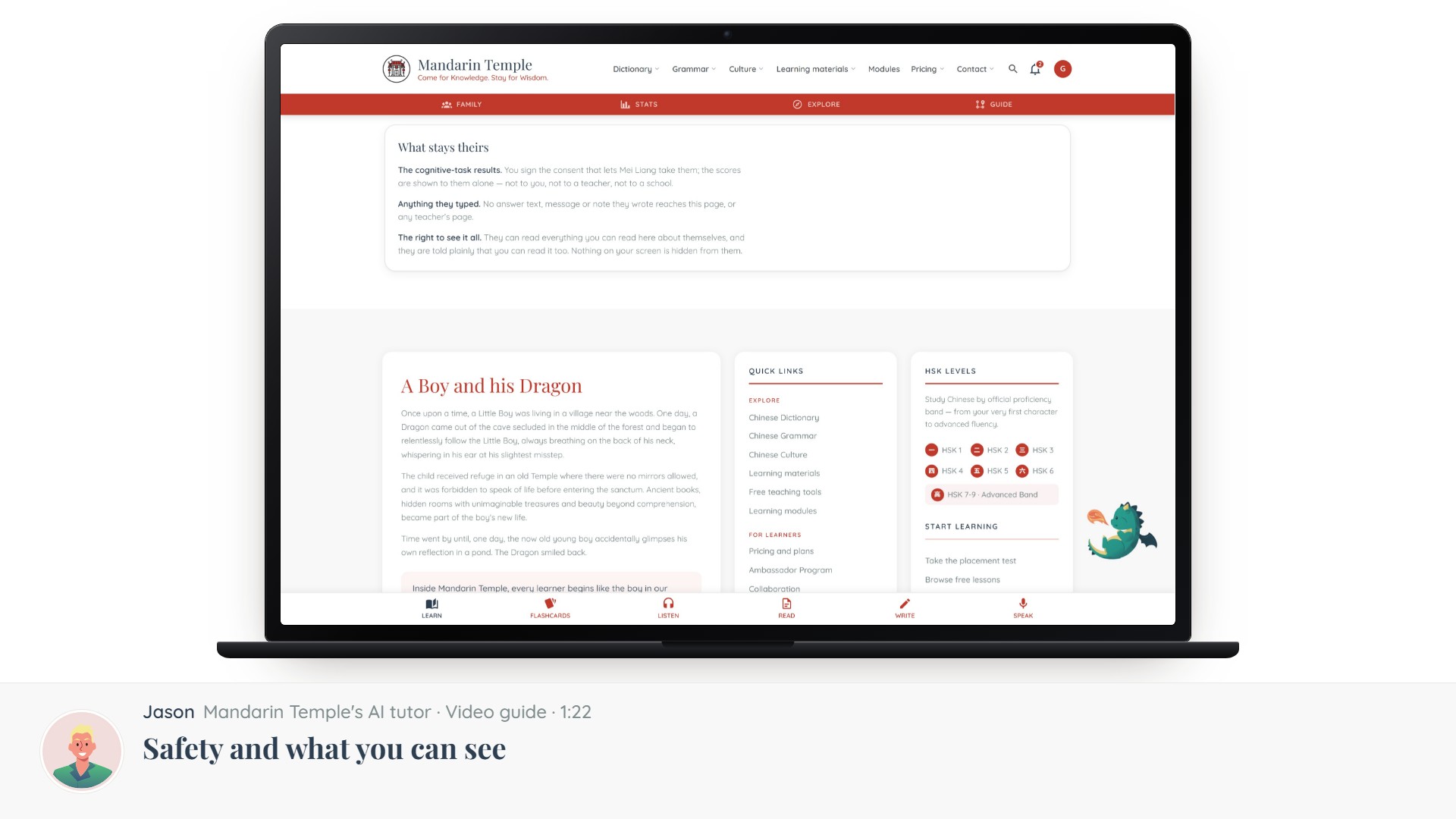 Length 1:22Safety and what you can seeWhat a guardian can view, what stays private to the child, and how AI features are limited for minors.Family viewPrivacy