For parents · video guide
Safety and what you can see — video guide
What a guardian can view, what stays private to the child, and how AI features are limited for minors.
 Presented by Jason, Mandarin Temple's AI tutor · 1:22
Captions are part of the picture, under Jason. The full transcript is below.
Read the transcript
- Hi, I’m Jason, Mandarin Temple’s AI tutor. Here’s what protects your child here, and what you can and cannot see, shown with a demonstration family.
- You see your child’s learning record, what has stuck and what has faded, but never the words they typed.
- On their own page, What stays theirs says it plainly: no answer, message or note they wrote reaches you there.
- Their results on the optional cognitive tasks stay theirs as well, shown to them alone, not to you or a teacher.
- Research use and those tasks stay off until you agree, and the server won’t take that agreement from your child’s own account.
- Under Activity, the page-by-page replay of their evening is left out for you, because it shows where they went, not what they learned.
- Private messages are limited on the server too: a child’s account can exchange them with nobody but you, their guardian.
- And their account stays out of public view: private circles only, off the public leaderboard, and never in the tutor directory.
- That’s what protects your child: you see how their learning is going, and only you can agree on their behalf.
In this video
- 0:00Introduction
- 0:11You see your child’s learning record, what has stuck and what has…
- 0:19On their own page, What stays theirs says it plainly: no answer…
- 0:28Their results on the optional cognitive tasks stay theirs as well…
- 0:36Research use and those tasks stay off until you agree, and the server…
- 0:44Under Activity, the page-by-page replay of their evening is left out…
- 0:55Private messages are limited on the server too: a child’s account can…
- 1:03And their account stays out of public view: private circles only, off…
- 1:13What to do next
Prefer to read it?
The written guide covers the same ground, with every step and the questions people ask.
Safety and what you can seeMore video guides
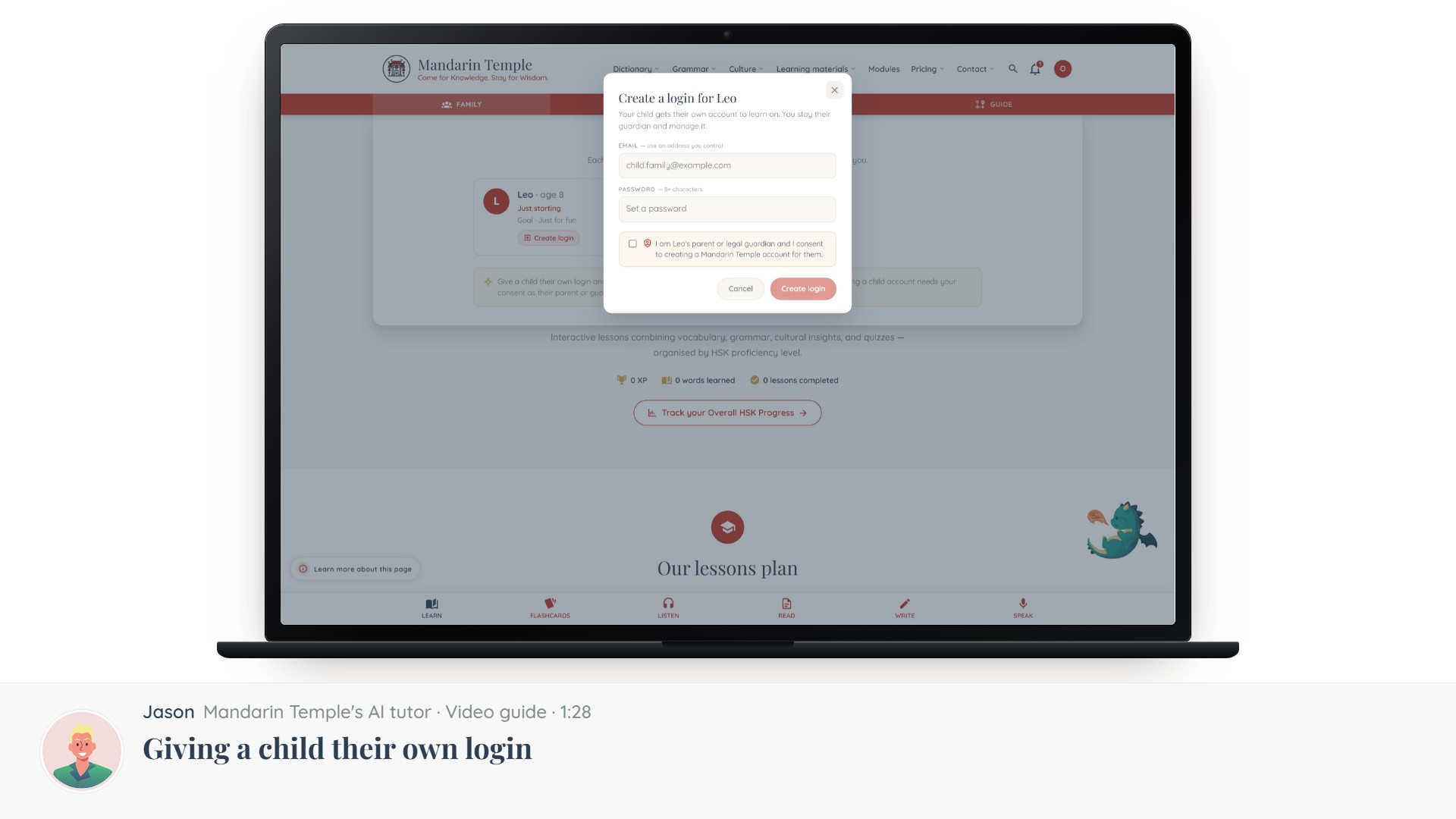 Length 1:28Giving a child their own loginThe consent step, what a child account can and cannot do, and how to take it back.Child loginsConsent
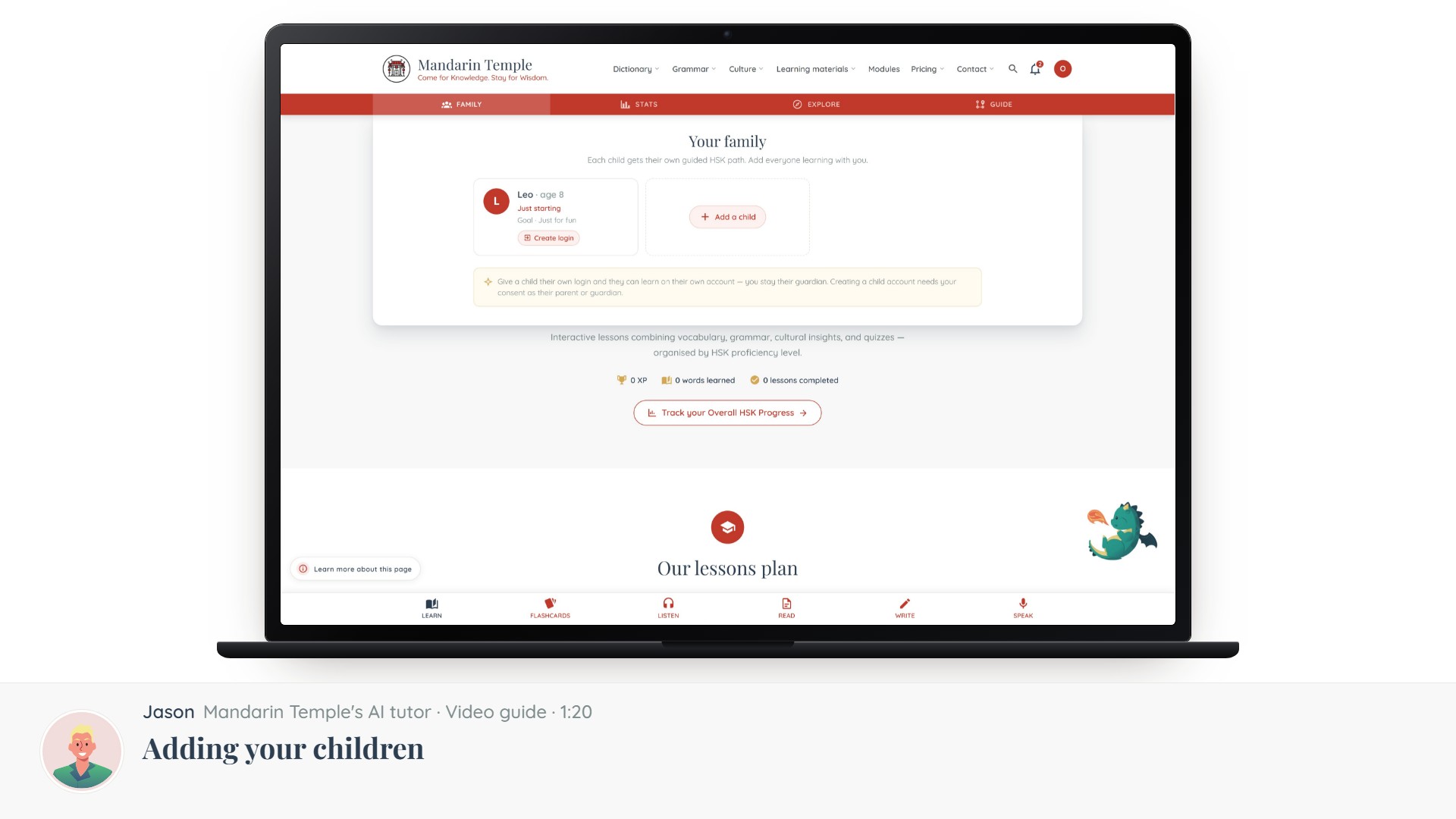 Length 1:20Adding your childrenCreating a profile per child, setting their level and goals, and why they start without a login.Child profiles
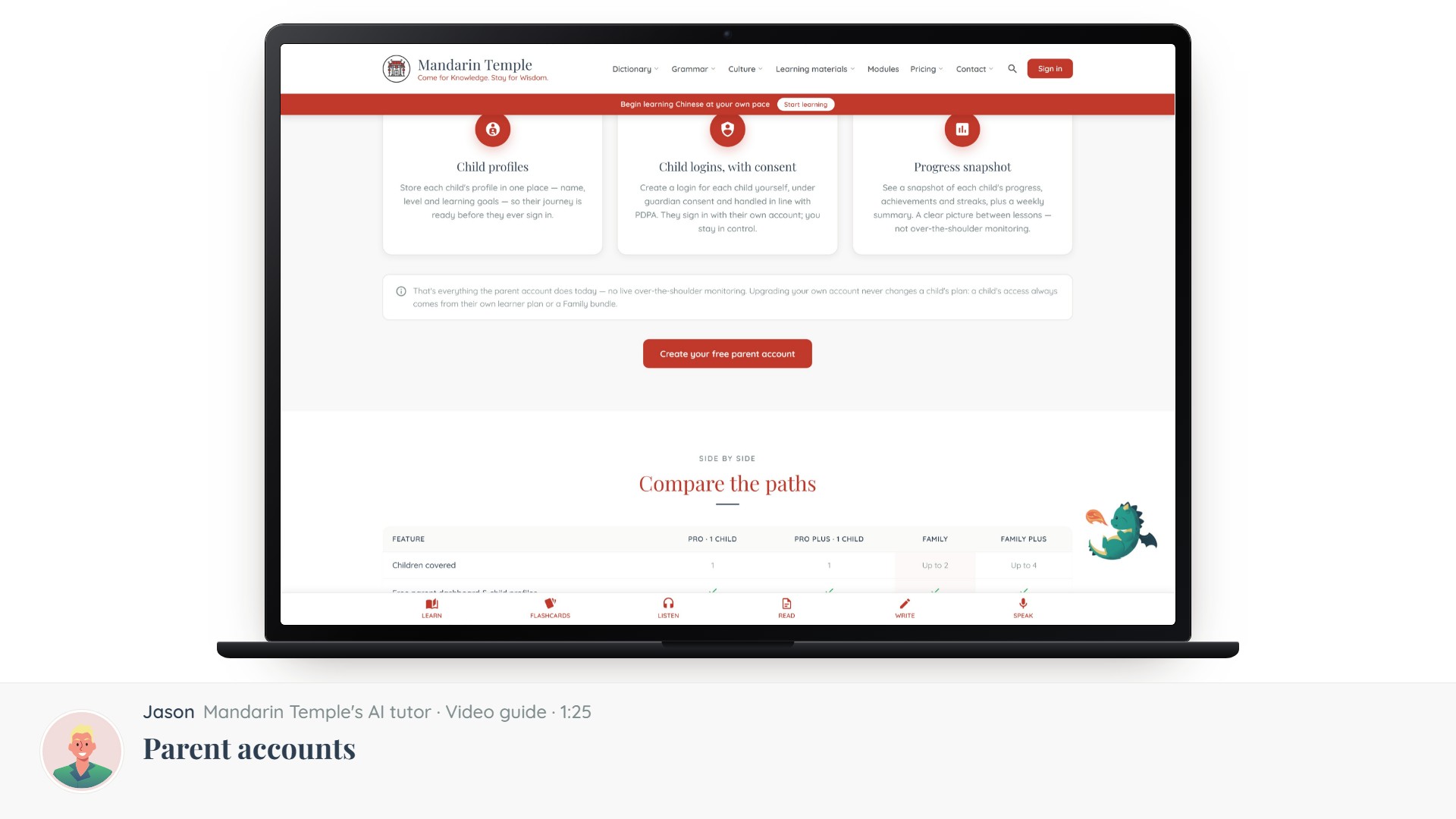 Length 1:25Parent accountsWhat a parent account is for, how it differs from a learner account, and how to switch.Parent account
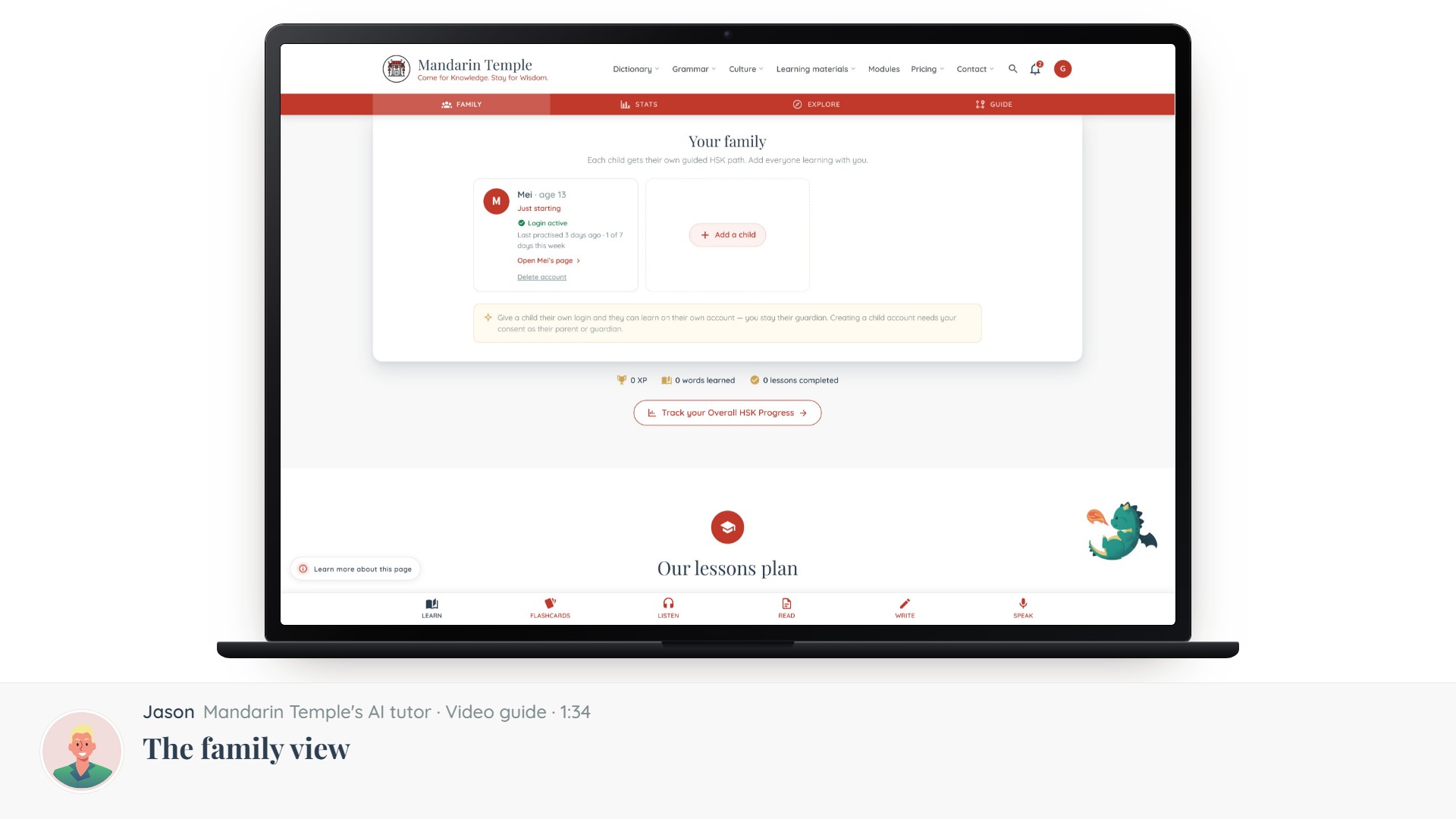 Length 1:34The family viewYour children side by side — what each has done, and where to help.Family view