For parents · video guide
Parent accounts — video guide
What a parent account is for, how it differs from a learner account, and how to switch.
 Presented by Jason, Mandarin Temple's AI tutor · 1:25
Captions are part of the picture, under Jason. The full transcript is below.
Read the transcript
- Hi, I’m Jason, Mandarin Temple’s AI tutor. Here’s how a parent account begins, and what it asks of you before anything is created.
- A parent account is free: a home for your children’s profiles, the logins you create for them, and their progress.
- Select Create your free parent account, and sign-up opens on the parent card, with what it means set out in full.
- It’s a choice you make once: switching back isn’t something you can do yourself, so you tick a box to confirm it.
- Continue, and it shows you what a family gets first, before asking you a single question about yourself.
- Then it asks for your name and date of birth, because you are the one giving consent for a child.
- And your child’s first name, with their age, starting point and goal as optional extras you can leave.
- Continue stays off until those are in, and the next steps create your account and confirm your email address.
- Once you’re set up, the red bar holds your family’s four tabs: Family, Stats, Explore and Guide.
- That’s a parent account: free, chosen once, and built around your children. Next, add a profile for each of them.
In this video
- 0:00Introduction
- 0:11A parent account is free: a home for your children’s profiles, the…
- 0:20Select Create your free parent account, and sign-up opens on the…
- 0:28It’s a choice you make once: switching back isn’t something you can…
- 0:36Continue, and it shows you what a family gets first, before asking…
- 0:44Then it asks for your name and date of birth, because you are the one…
- 0:50And your child’s first name, with their age, starting point and goal…
- 0:58Continue stays off until those are in, and the next steps create your…
- 1:04Once you’re set up, the red bar holds your family’s four tabs…
- 1:14What to do next
Prefer to read it?
The written guide covers the same ground, with every step and the questions people ask.
Parent accountsMore video guides
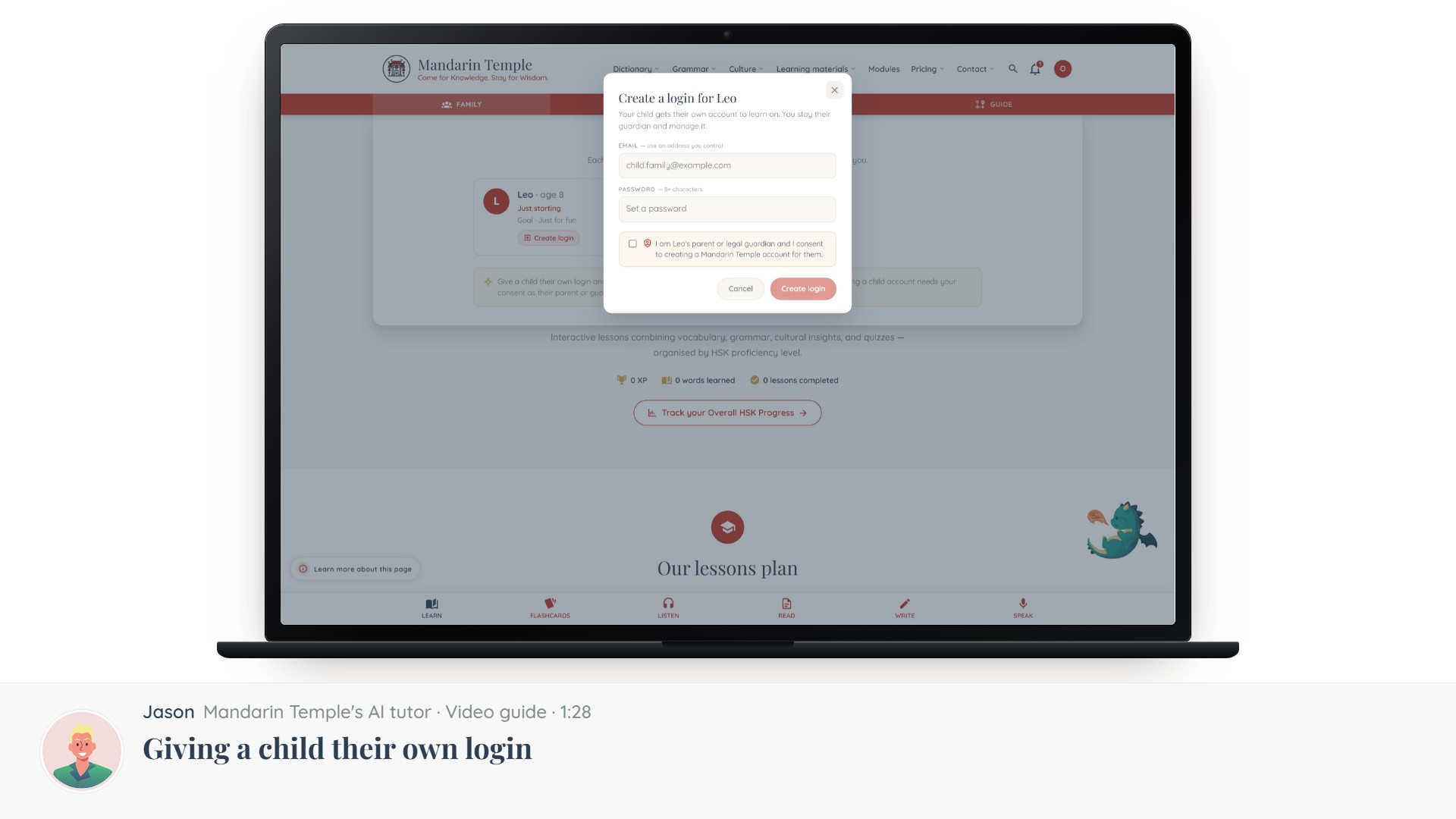 Length 1:28Giving a child their own loginThe consent step, what a child account can and cannot do, and how to take it back.Child loginsConsent
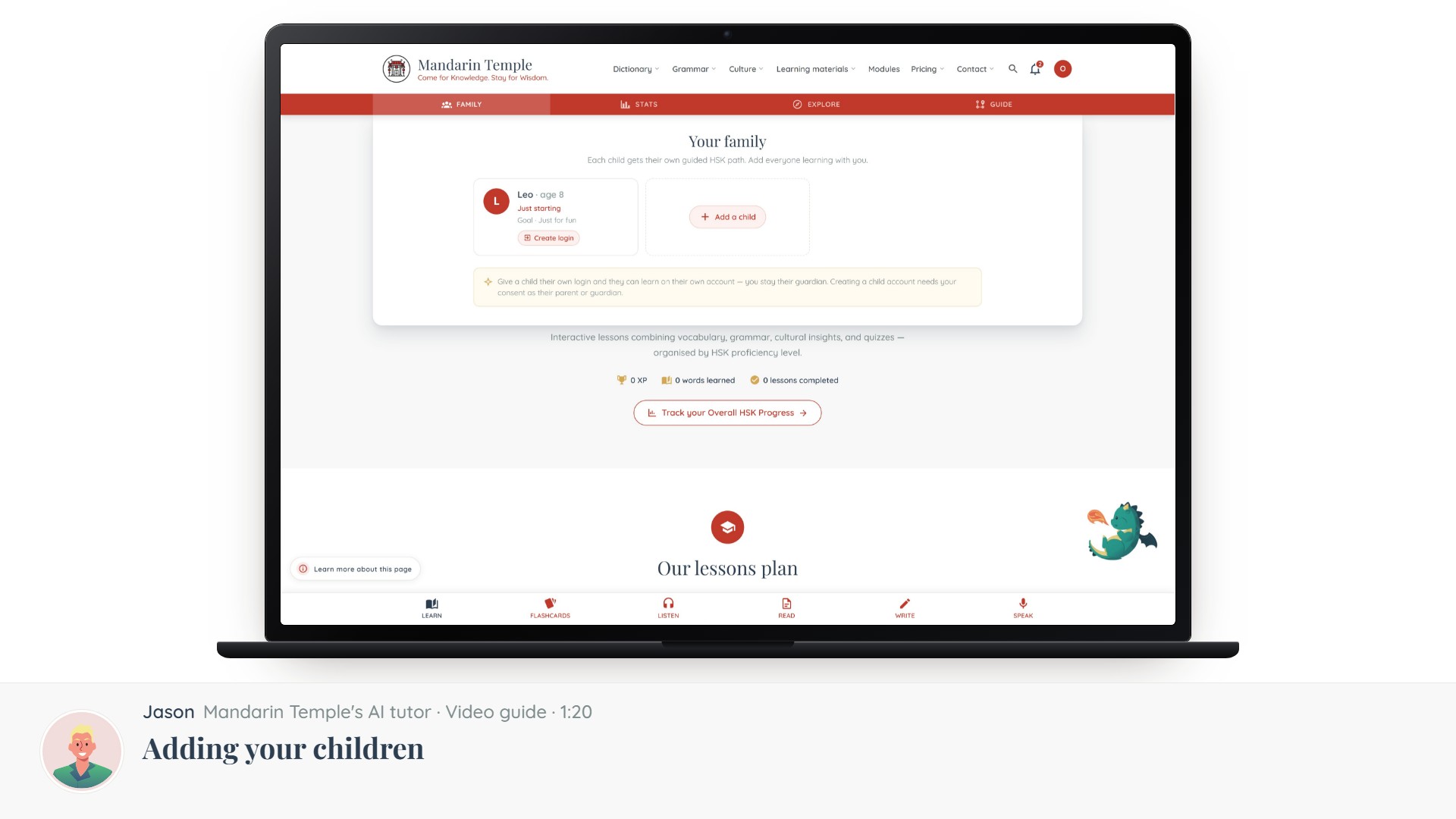 Length 1:20Adding your childrenCreating a profile per child, setting their level and goals, and why they start without a login.Child profiles
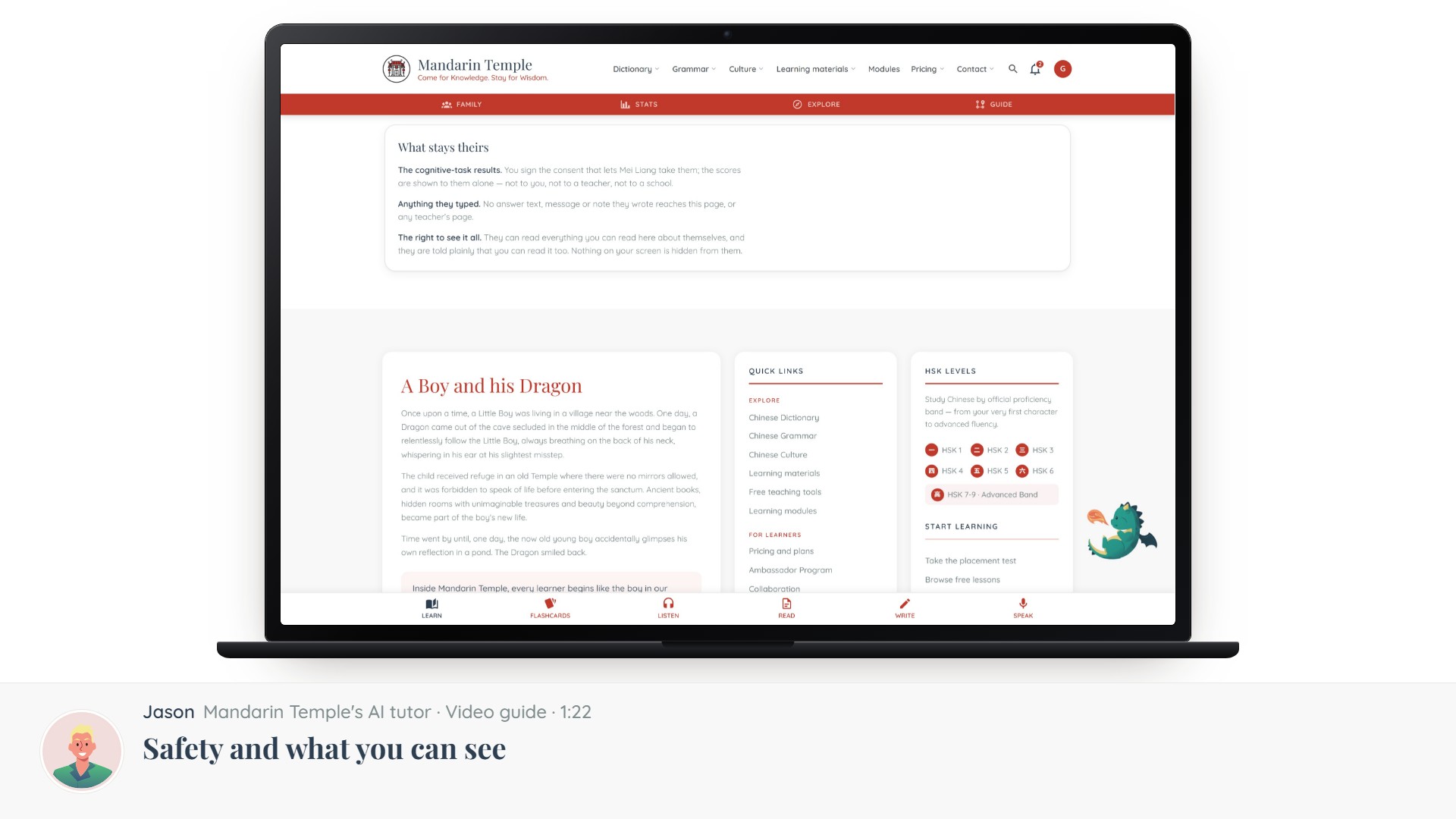 Length 1:22Safety and what you can seeWhat a guardian can view, what stays private to the child, and how AI features are limited for minors.Family viewPrivacy
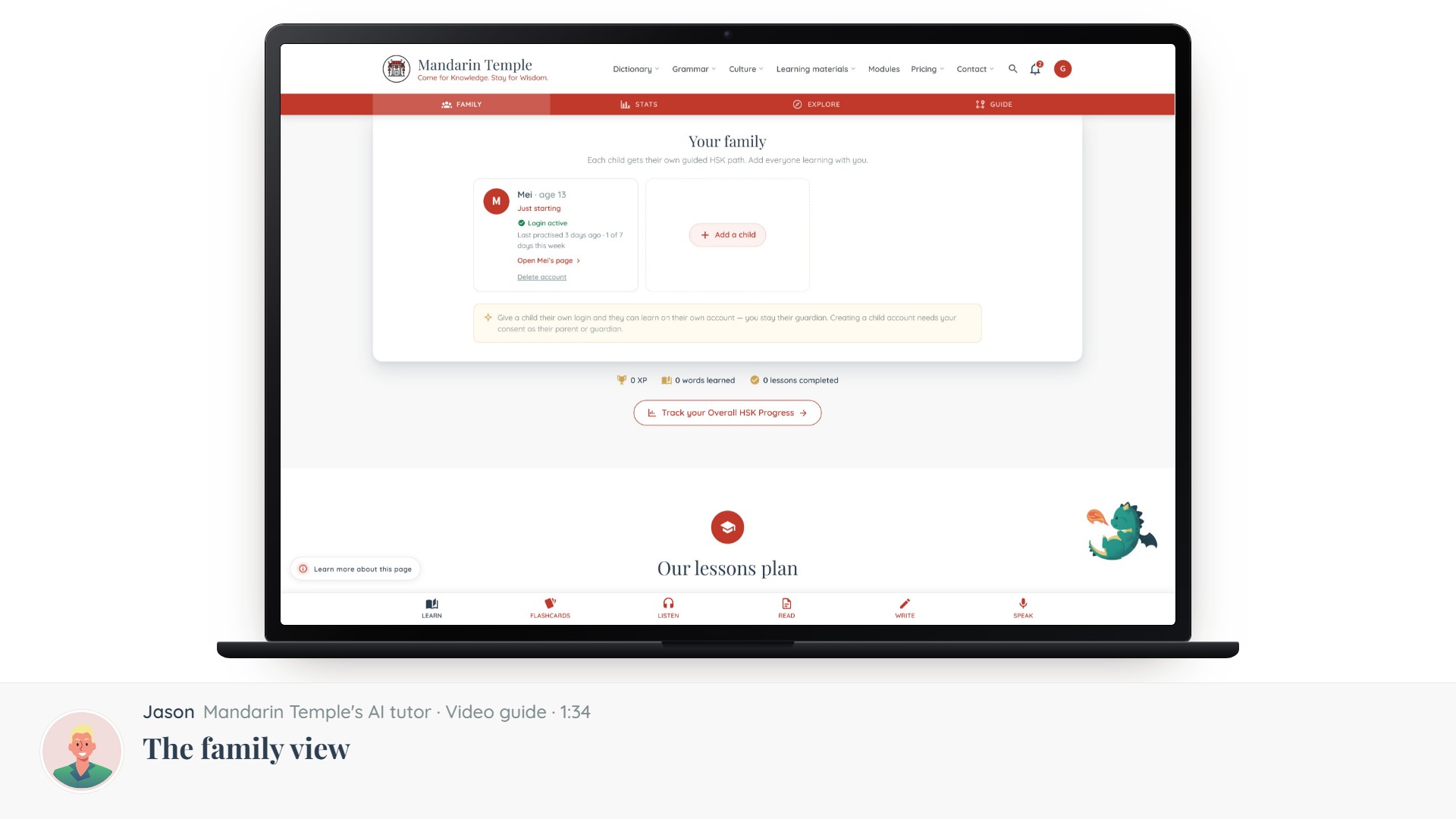 Length 1:34The family viewYour children side by side — what each has done, and where to help.Family view