For tutors · video guide
Inviting learners — video guide
Invite codes, links and email invitations — and what a learner sees when they accept.
 Presented by Jason, Mandarin Temple's AI tutor · 1:35
Captions are part of the picture, under Jason. The full transcript is below.
Read the transcript
- Hi, I’m Jason, Mandarin Temple’s AI tutor. Here’s how to bring learners into your circle: with its link, its code, or an email.
- Every circle you teach has its own invite link, just below its members. Anyone with the link can join, until the circle is full.
- Copy puts the link on your clipboard, ready to paste into a message or your class chat.
- Or invite learners one at a time, by email. Add their address, and their name if you like, so the email greets them by name.
- Send invitation emails them a link that works for seven days. Nothing changes on their account until they accept.
- The Roster panel has them too. Select a circle, and Invite students shows its code and the same link.
- Someone who opens the link sees your school’s name, when the circle belongs to one, and signs in or creates a free account to see the class.
- Signed in, they see the circle, who teaches it, and the name they’ll join as. Join class, and they’re in.
- Given just the code, they choose Join a circle on their Circles page and type it in.
- Once they’ve joined, they’re here, among your circle’s members.
- That’s inviting learners: a link, a code, or an email each. Next, set your circle its first homework.
In this video
- 0:00Introduction
- 0:12Every circle you teach has its own invite link, just below its members
- 0:21Copy puts the link on your clipboard, ready to paste into a message…
- 0:27Or invite learners one at a time, by email
- 0:36Send invitation emails them a link that works for seven days
- 0:44The Roster panel has them too
- 0:53Someone who opens the link sees your school’s name, when the circle…
- 1:02Signed in, they see the circle, who teaches it, and the name they’ll…
- 1:11Given just the code, they choose Join a circle on their Circles page…
- 1:18Once they’ve joined, they’re here, among your circle’s members
- 1:23What to do next
Prefer to read it?
The written guide covers the same ground, with every step and the questions people ask.
Inviting learnersMore video guides
 Length 1:20Putting content on a slideThe Content column: searching 21,000+ dictionary entries, HSK lessons, grammar and readings, and dragging one onto a slide.Teaching BoardContent library
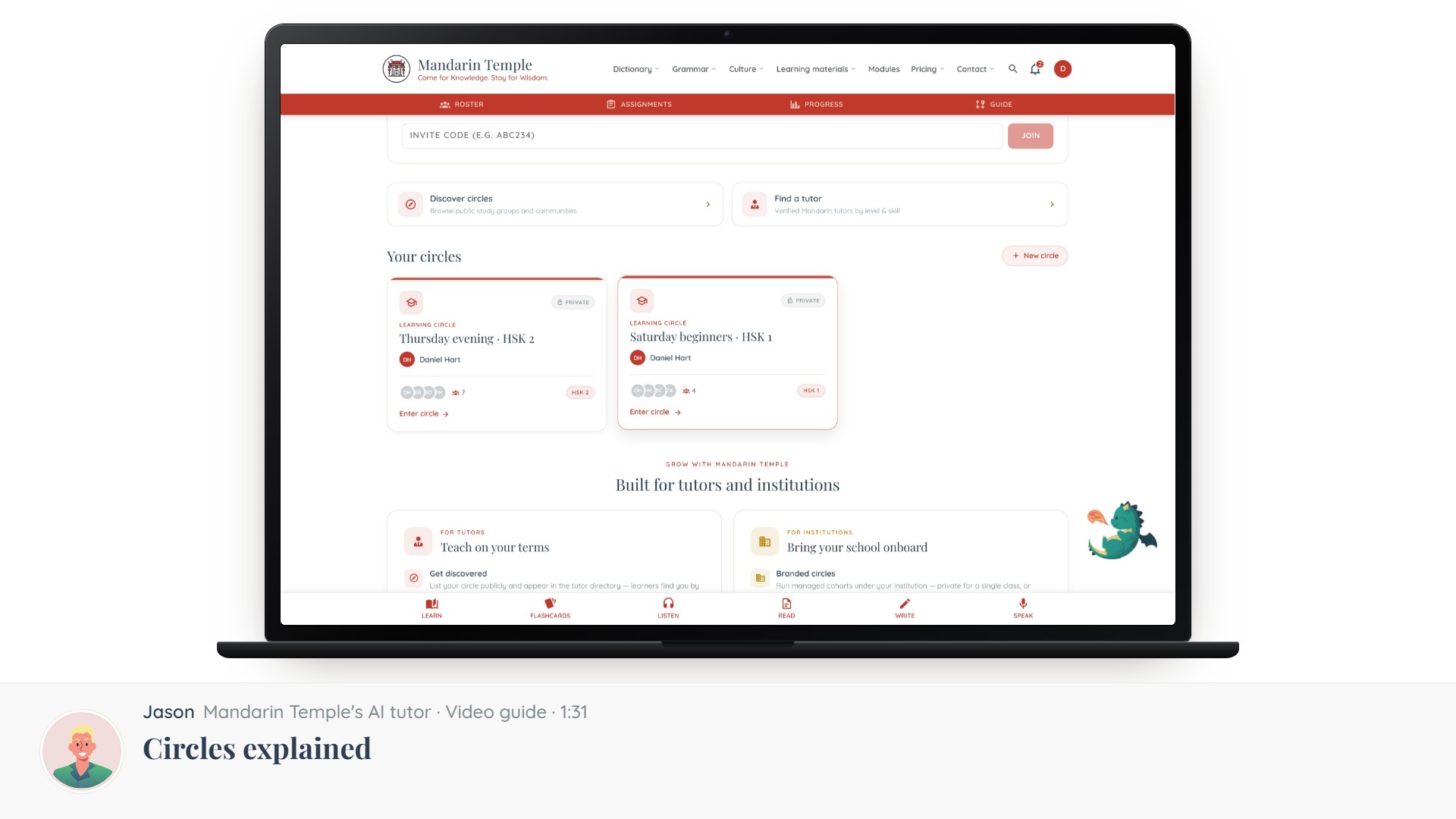 Length 1:31Circles explainedThe five kinds of circle, which one you want, and what visibility actually controls.Circles
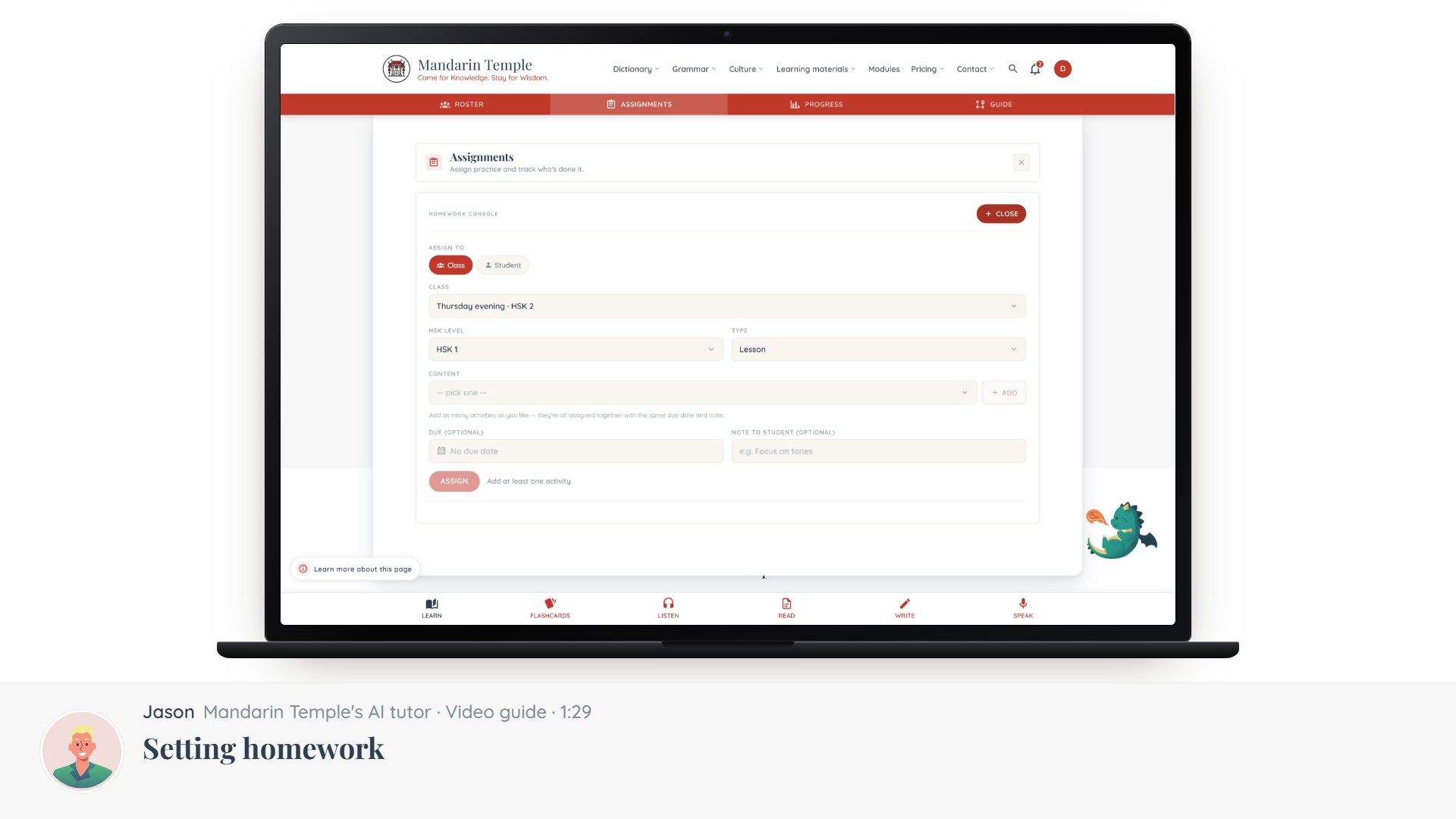 Length 1:29Setting homeworkAssign a lesson, a reading, a mock exam or a word list — to a whole circle or one learner.Assignments
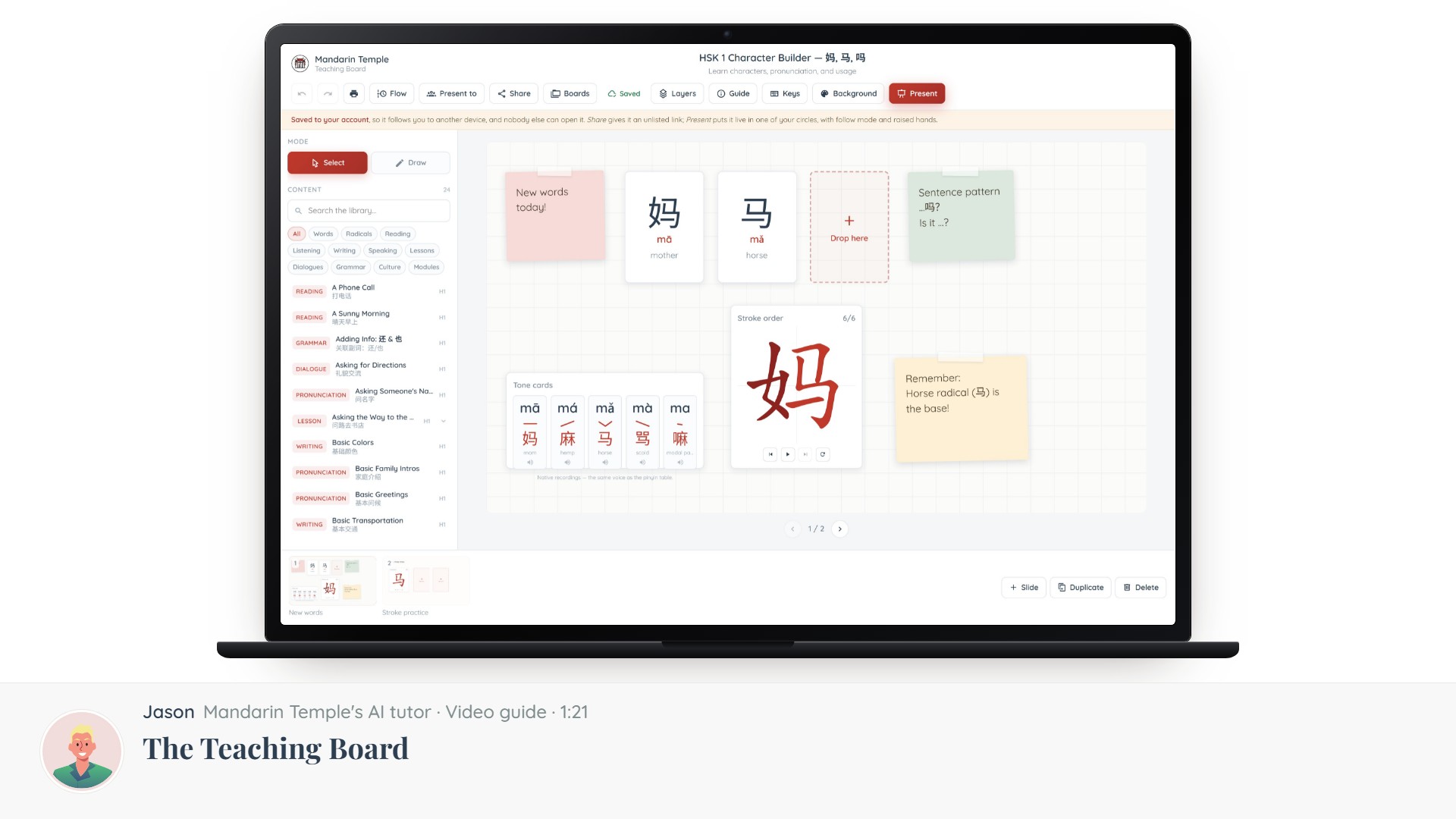 Length 1:21The Teaching BoardA slide editor built for Chinese: what it is, what is on the screen, and how to get a lesson onto it.Teaching Board