For tutors · video guide
Setting homework — video guide
Assign a lesson, a reading, a mock exam or a word list — to a whole circle or one learner.
 Presented by Jason, Mandarin Temple's AI tutor · 1:29
Captions are part of the picture, under Jason. The full transcript is below.
Read the transcript
- Hi, I’m Jason, Mandarin Temple’s AI tutor. Here’s how to set homework for a circle, and see who has done it, shown on a demonstration teacher’s account.
- Homework lives under Assignments, a tab in the red bar at the top of the page. Select Assign content to open the form.
- Set it for a whole circle, or for one learner in it. Your first circle is already chosen.
- Choose a level and a type: a lesson, a grammar point, a reading, a word or flashcards, among several others.
- Then pick the content itself. Here it’s HSK 1, lesson one: Connecting With You, from the first unit.
- A due date and a note are both optional, and you can queue several activities to set together.
- Assign sets it for everyone in the circle at once, and it appears in each learner’s own homework list.
- Select Who to see each learner by name, and how far through the lesson they’ve got, checkpoint by checkpoint.
- Above the list, a summary shows completion across all your homework, and Export CSV downloads all of it.
- That’s homework set for the whole circle. Next, see how each learner is really getting on.
In this video
- 0:00Introduction
- 0:13Homework lives under Assignments, a tab in the red bar at the top of…
- 0:22Set it for a whole circle, or for one learner in it
- 0:29Choose a level and a type: a lesson, a grammar point, a reading, a…
- 0:40Then pick the content itself
- 0:49A due date and a note are both optional, and you can queue several…
- 0:56Assign sets it for everyone in the circle at once, and it appears in…
- 1:03Select Who to see each learner by name, and how far through the…
- 1:11Above the list, a summary shows completion across all your homework…
- 1:20What to do next
Prefer to read it?
The written guide covers the same ground, with every step and the questions people ask.
Setting homeworkMore video guides
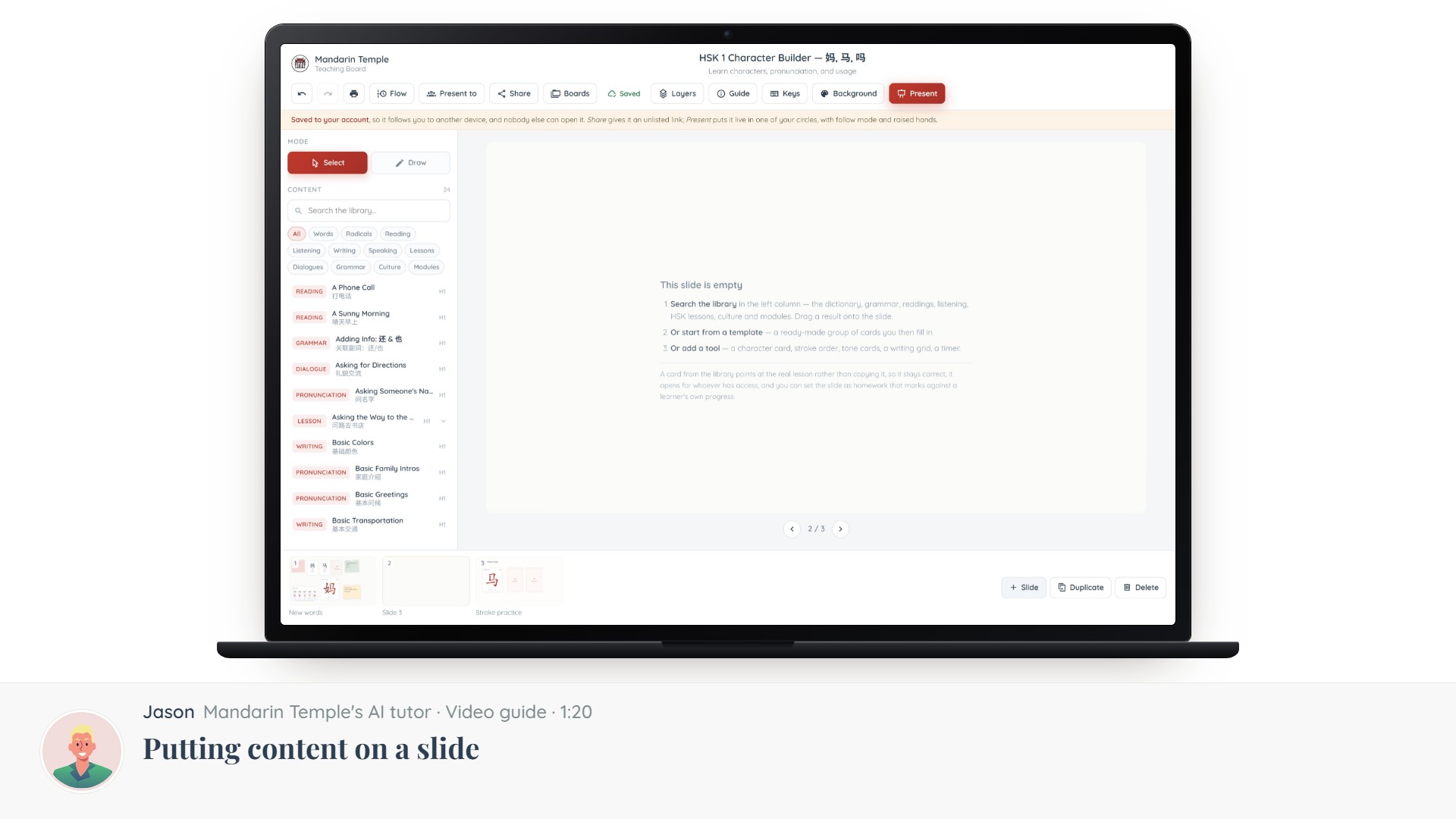 Length 1:20Putting content on a slideThe Content column: searching 21,000+ dictionary entries, HSK lessons, grammar and readings, and dragging one onto a slide.Teaching BoardContent library
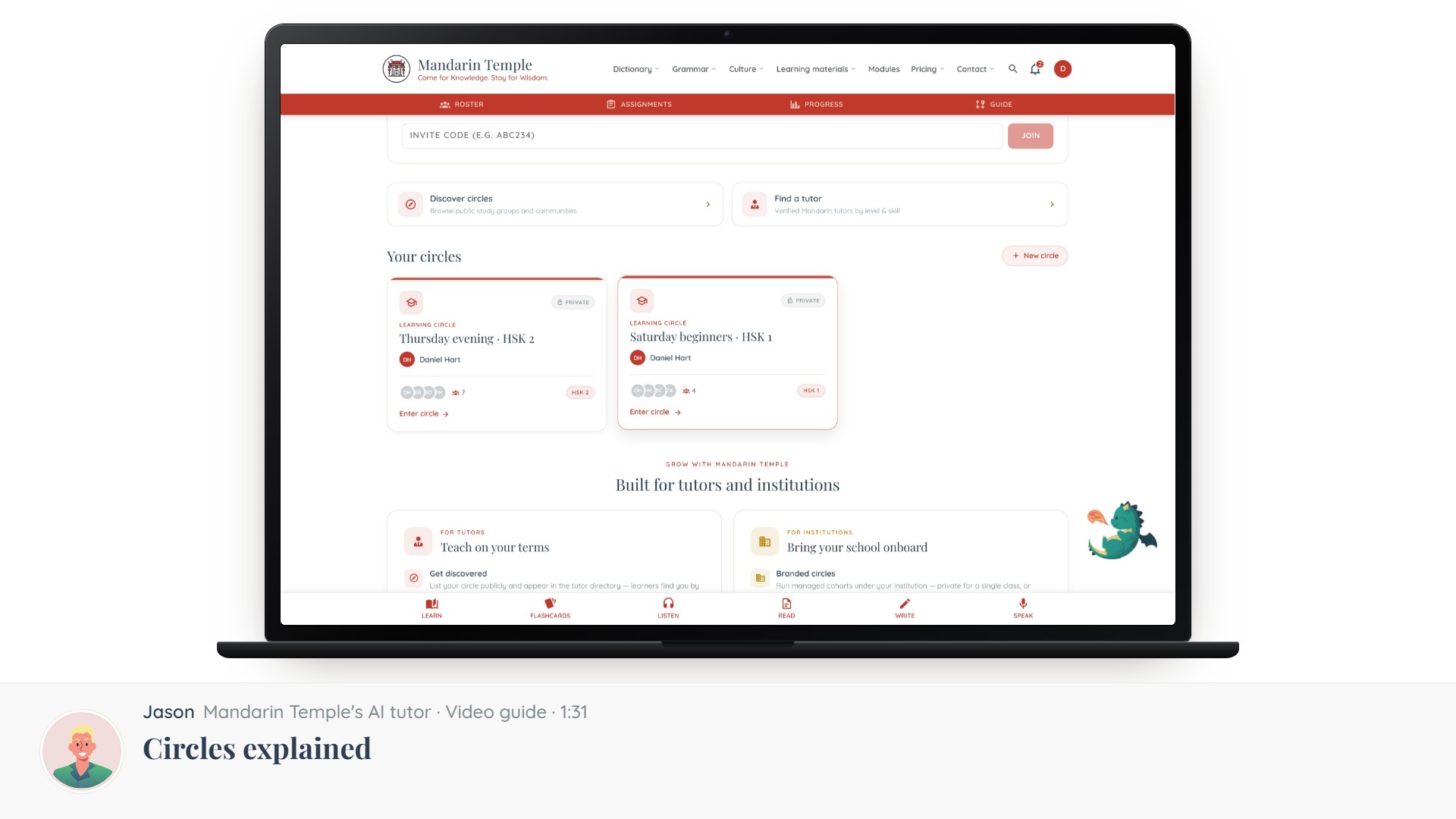 Length 1:31Circles explainedThe five kinds of circle, which one you want, and what visibility actually controls.Circles
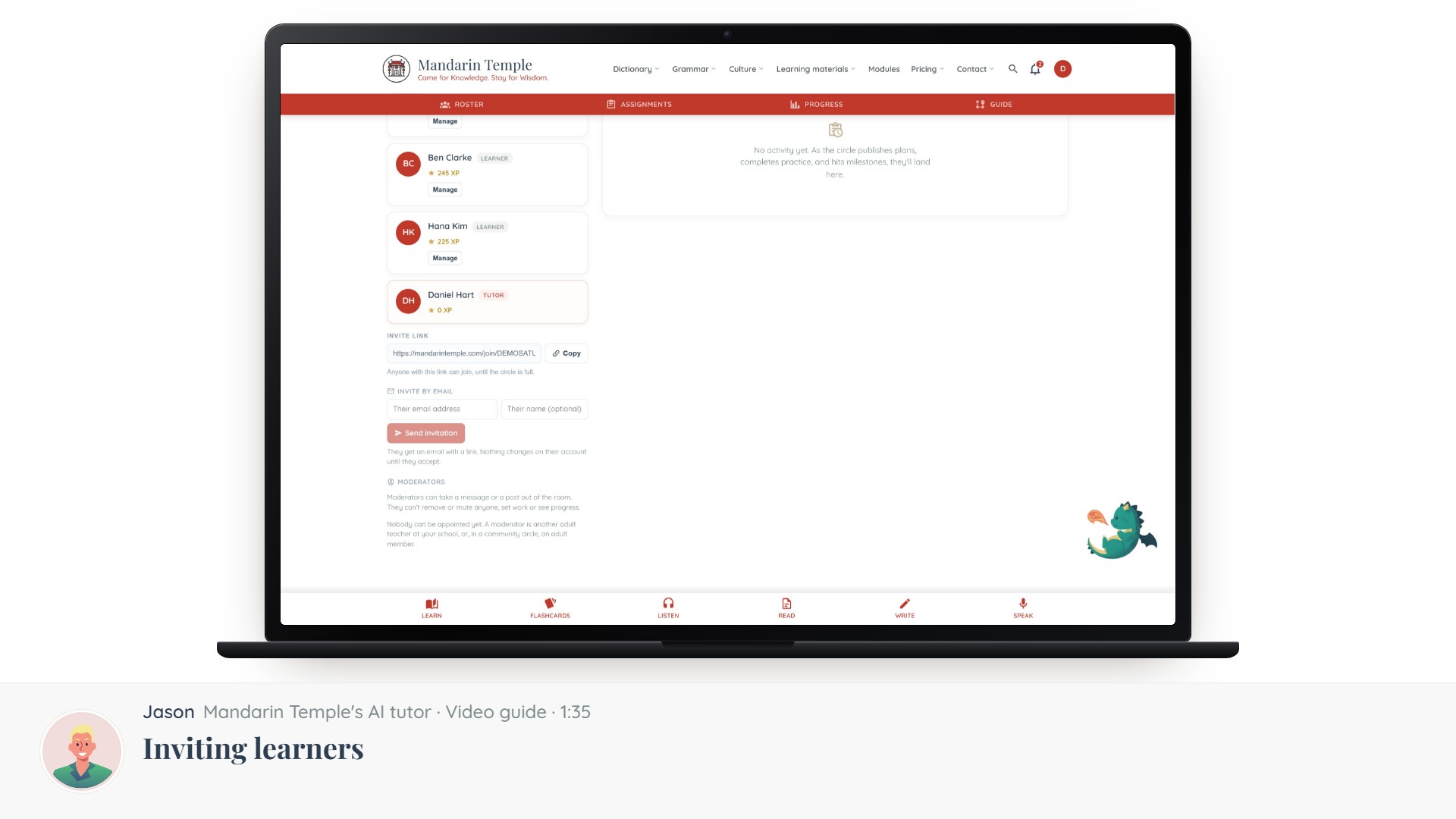 Length 1:35Inviting learnersInvite codes, links and email invitations — and what a learner sees when they accept.CirclesInvite links
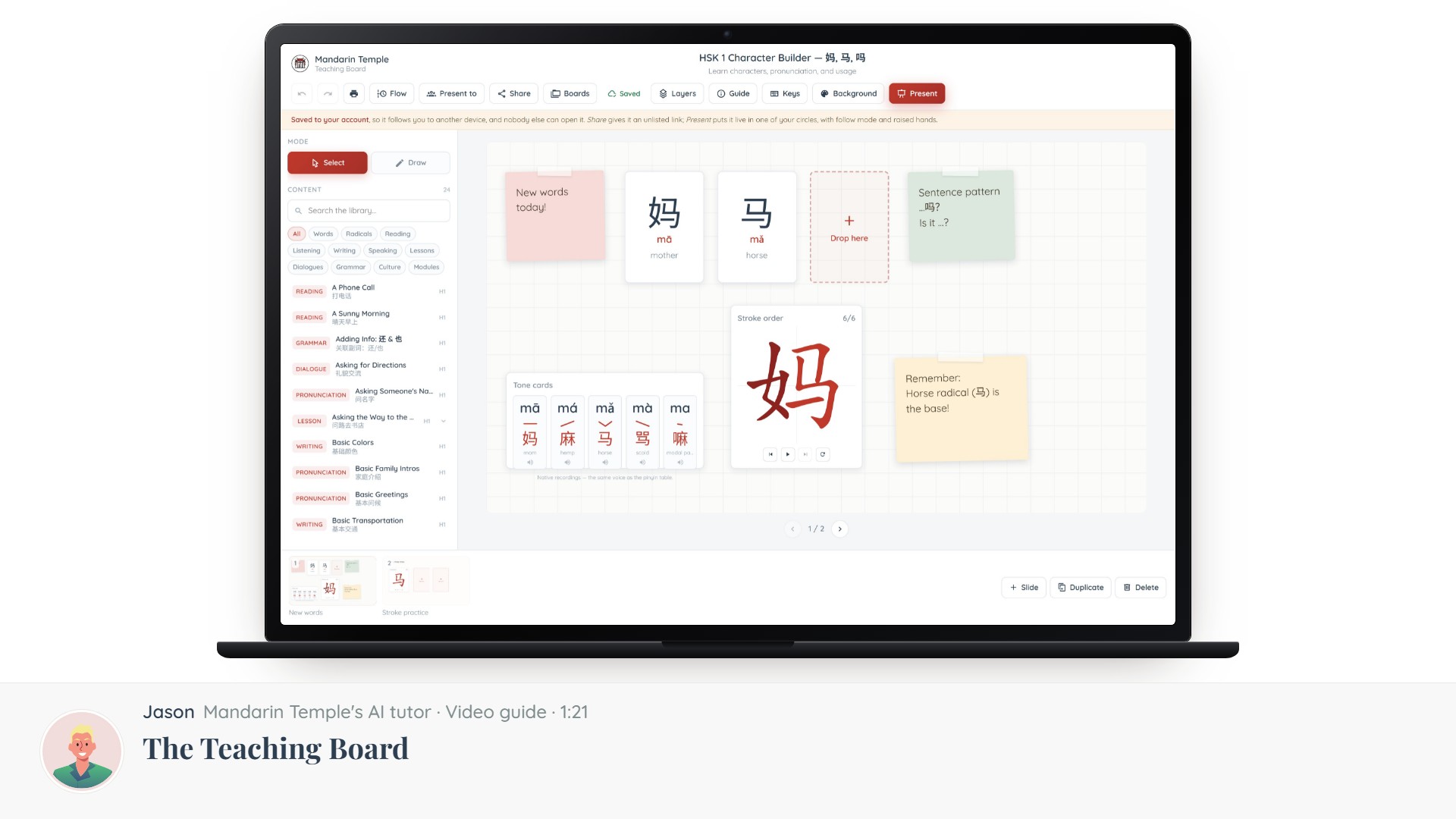 Length 1:21The Teaching BoardA slide editor built for Chinese: what it is, what is on the screen, and how to get a lesson onto it.Teaching Board