For tutors · video guide
The Teaching Board — video guide
A slide editor built for Chinese: what it is, what is on the screen, and how to get a lesson onto it.
 Presented by Jason, Mandarin Temple's AI tutor · 1:21
Captions are part of the picture, under Jason. The full transcript is below.
Read the transcript
- Hi, I’m Jason, Mandarin Temple’s AI tutor. Let’s look round the Teaching Board, where you build a lesson and present it.
- A board is a deck of slides, not an endless canvas. Your first board starts as this two-slide HSK 1 lesson.
- It saves to your account as you work, so it follows you to another device, and nobody else can open it.
- On the left, the content column searches the platform’s own material: words, lessons, grammar, readings, culture and more.
- With a teaching seat there’s also a Dialogues tab, which puts a lesson’s dialogue on a slide for role-play.
- Chinese is built in. Stroke order plays for the class, and you can step through it one stroke at a time.
- Tone cards play native recordings of every tone, in the same voice as the pinyin table.
- Your slides sit along the bottom. Add one, duplicate it, or select a thumbnail to go straight there.
- When you’re ready, Present takes the slide full screen for your screen-share, and Escape brings you back.
- That’s the Teaching Board: a lesson you build once and teach from again. Next, put real Chinese on a slide.
In this video
- 0:00Introduction
- 0:10A board is a deck of slides, not an endless canvas
- 0:19It saves to your account as you work, so it follows you to another…
- 0:26On the left, the content column searches the platform’s own material…
- 0:34With a teaching seat there’s also a Dialogues tab, which puts a…
- 0:41Chinese is built in
- 0:49Tone cards play native recordings of every tone, in the same voice as…
- 0:56Your slides sit along the bottom
- 1:03When you’re ready, Present takes the slide full screen for your…
- 1:10What to do next
Prefer to read it?
The written guide covers the same ground, with every step and the questions people ask.
The Teaching BoardMore video guides
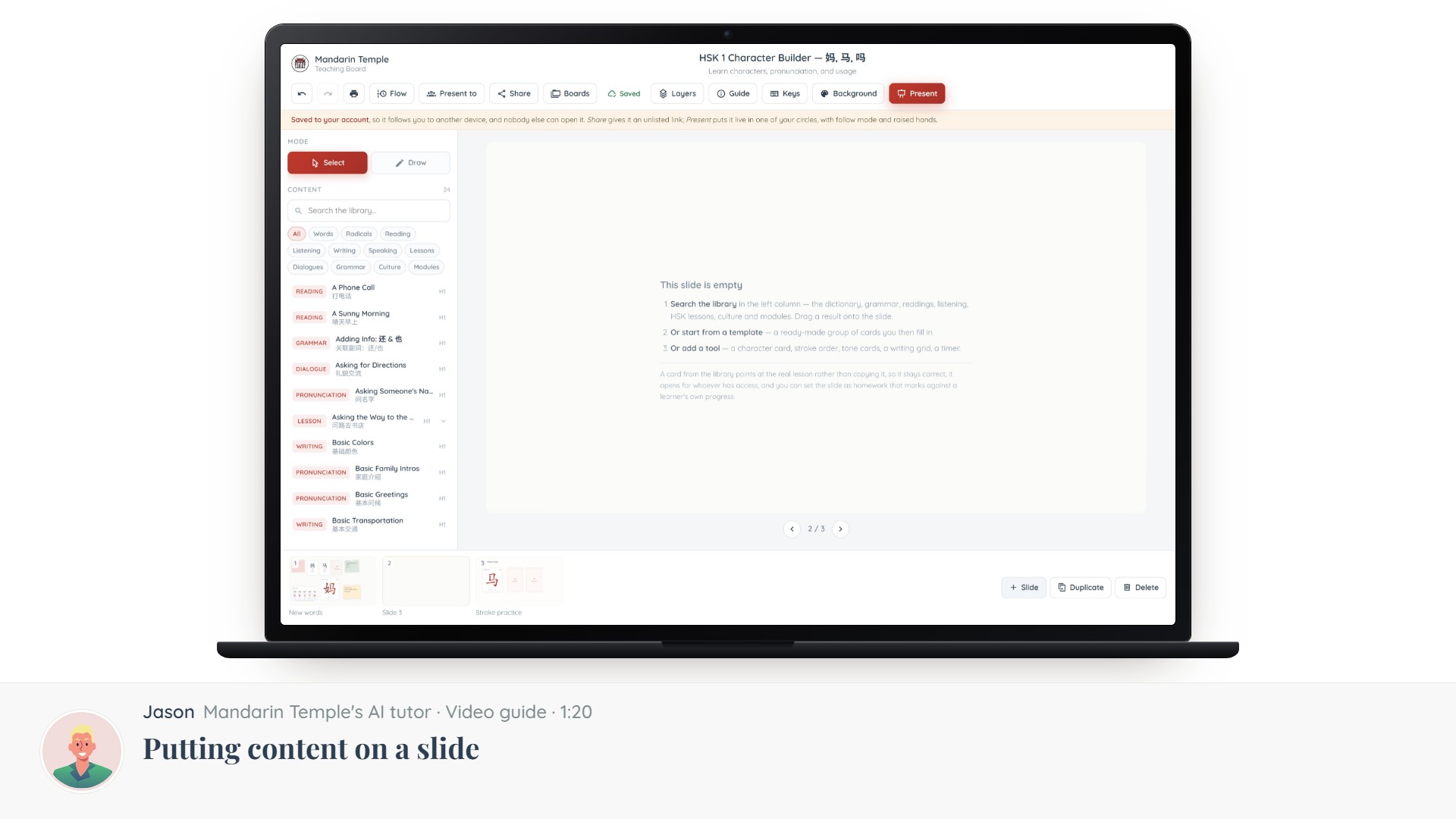 Length 1:20Putting content on a slideThe Content column: searching 21,000+ dictionary entries, HSK lessons, grammar and readings, and dragging one onto a slide.Teaching BoardContent library
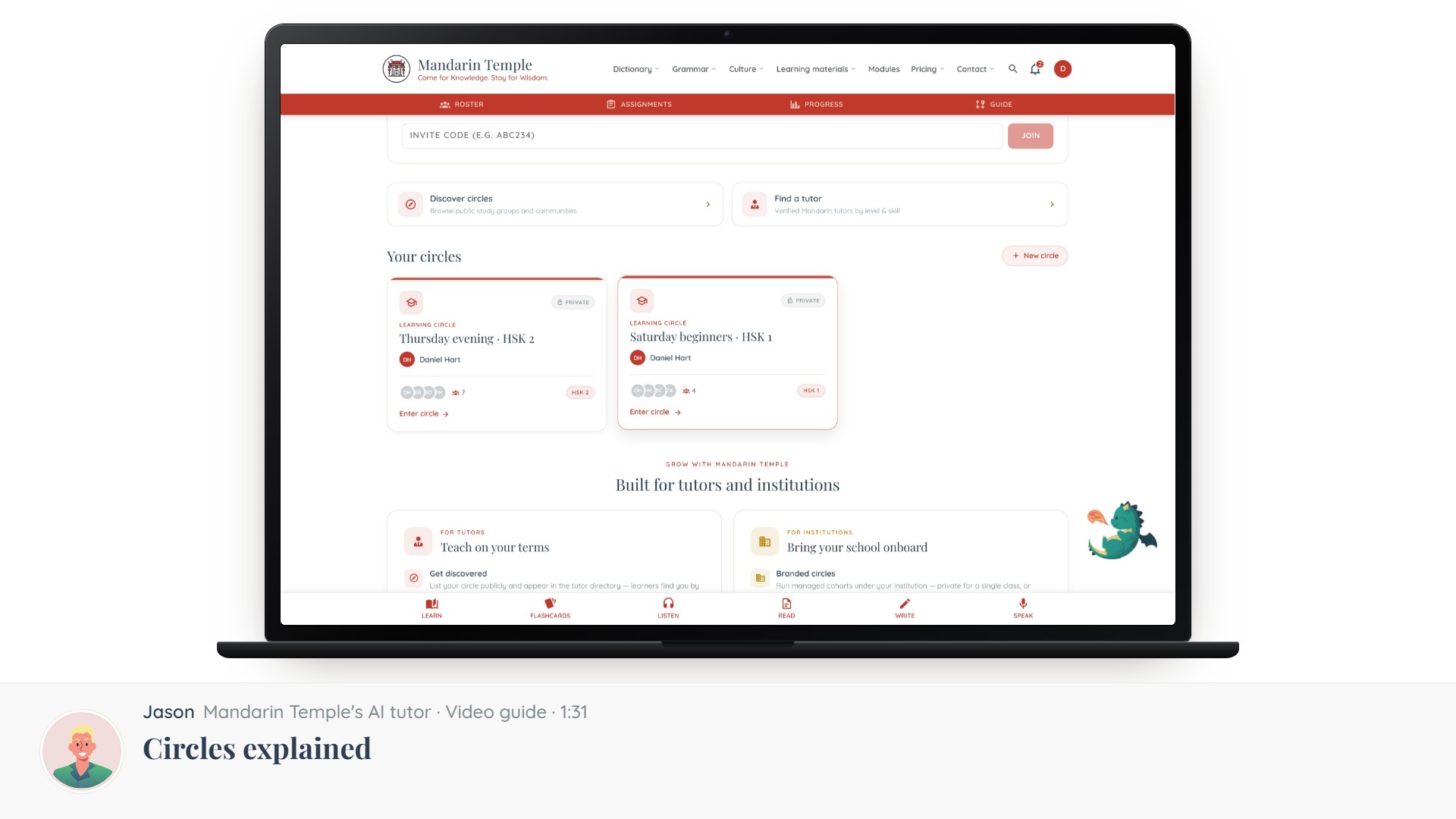 Length 1:31Circles explainedThe five kinds of circle, which one you want, and what visibility actually controls.Circles
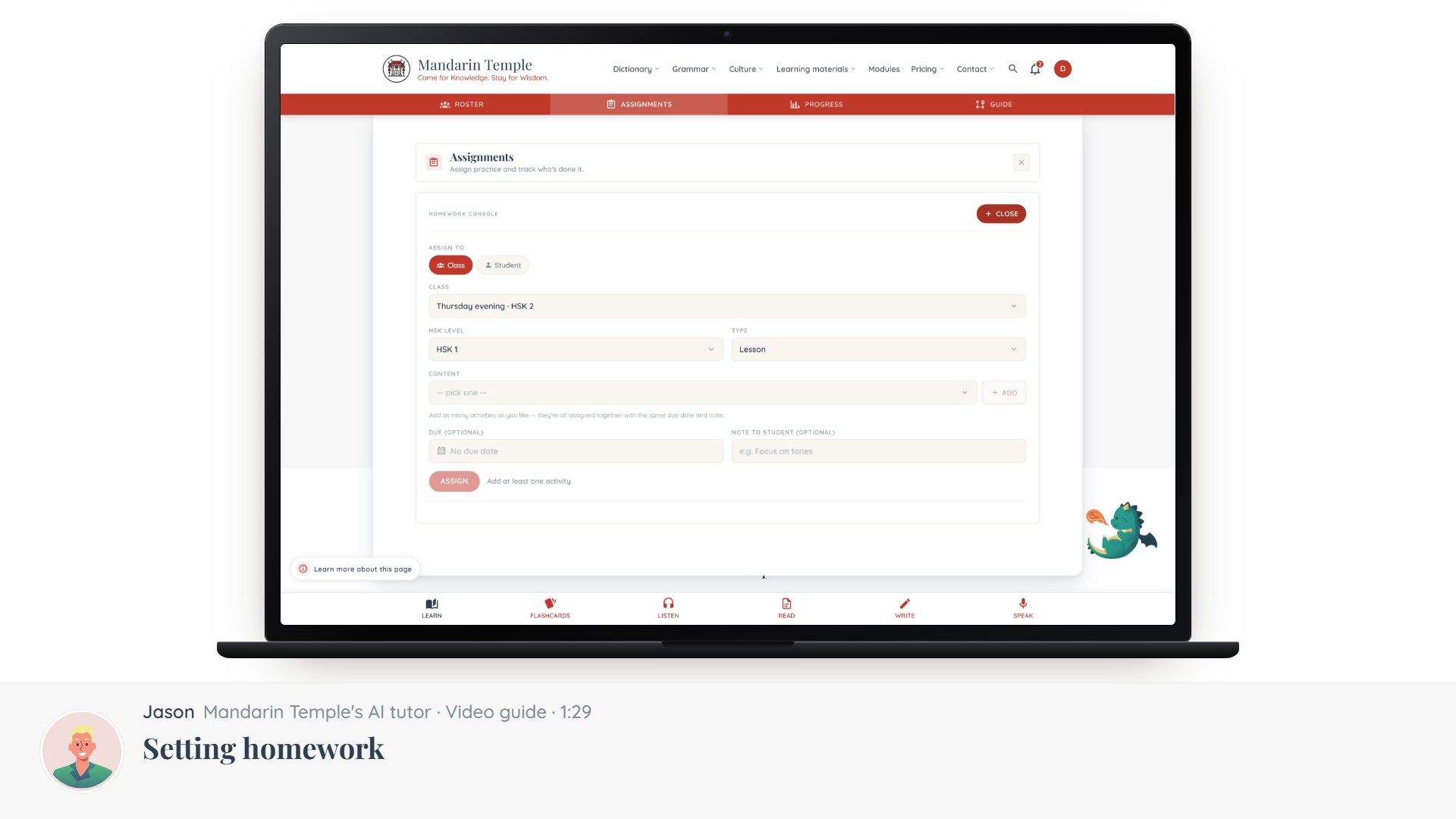 Length 1:29Setting homeworkAssign a lesson, a reading, a mock exam or a word list — to a whole circle or one learner.Assignments
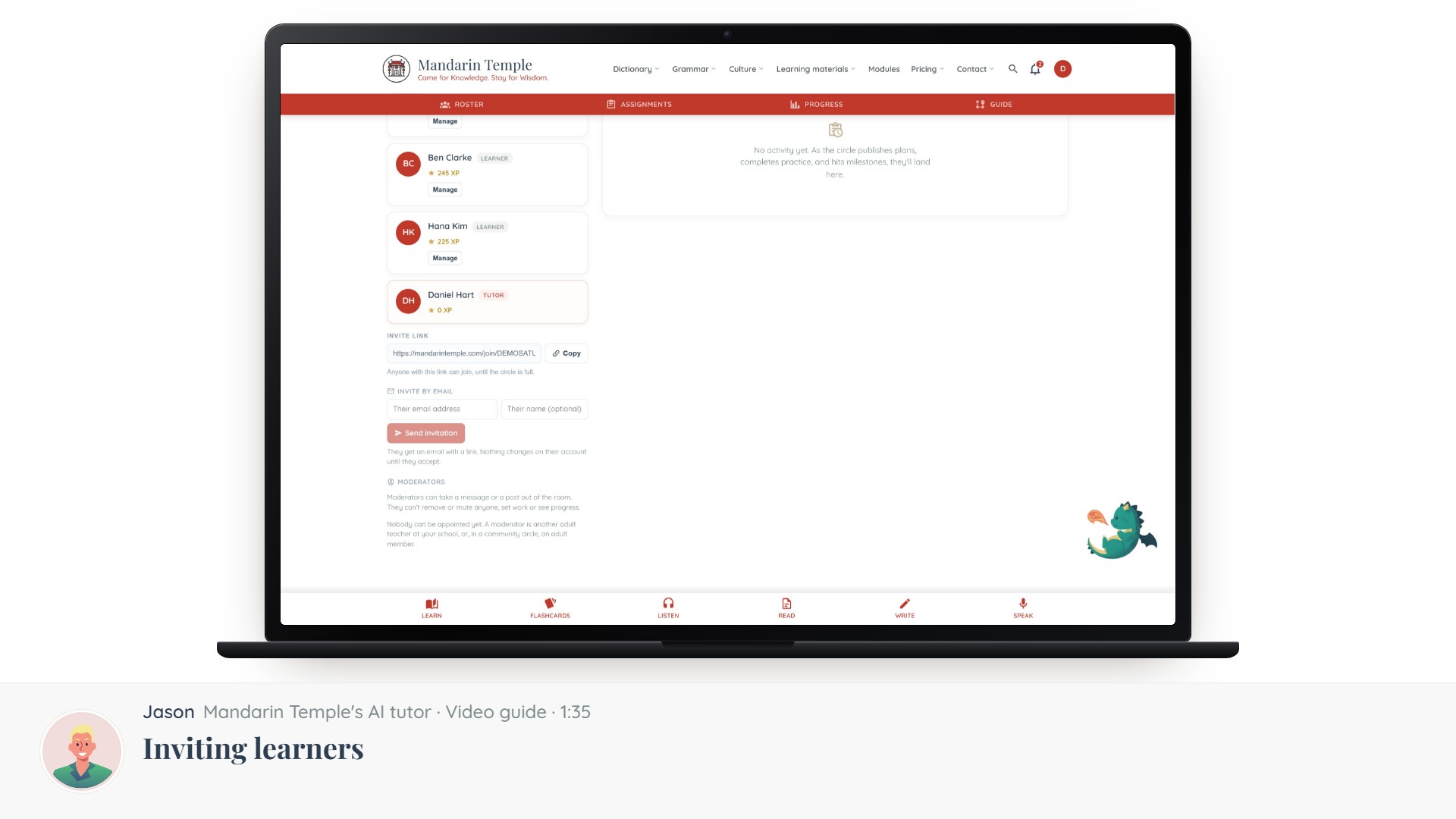 Length 1:35Inviting learnersInvite codes, links and email invitations — and what a learner sees when they accept.CirclesInvite links