Video guides
5 short walkthroughs from this section, about 7 minutes in all. Each has its own page, with its key moments and the written guide beside it.
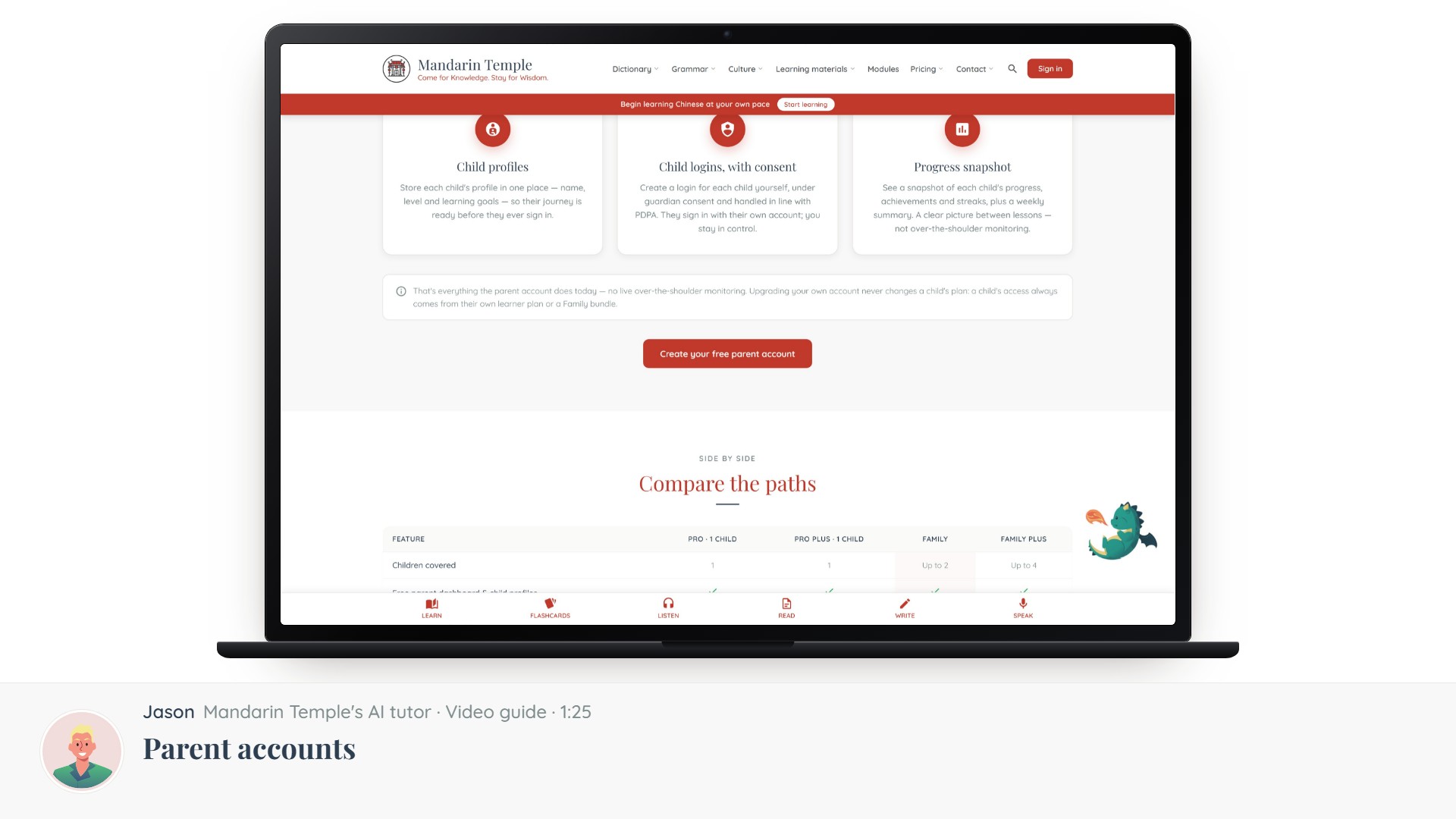
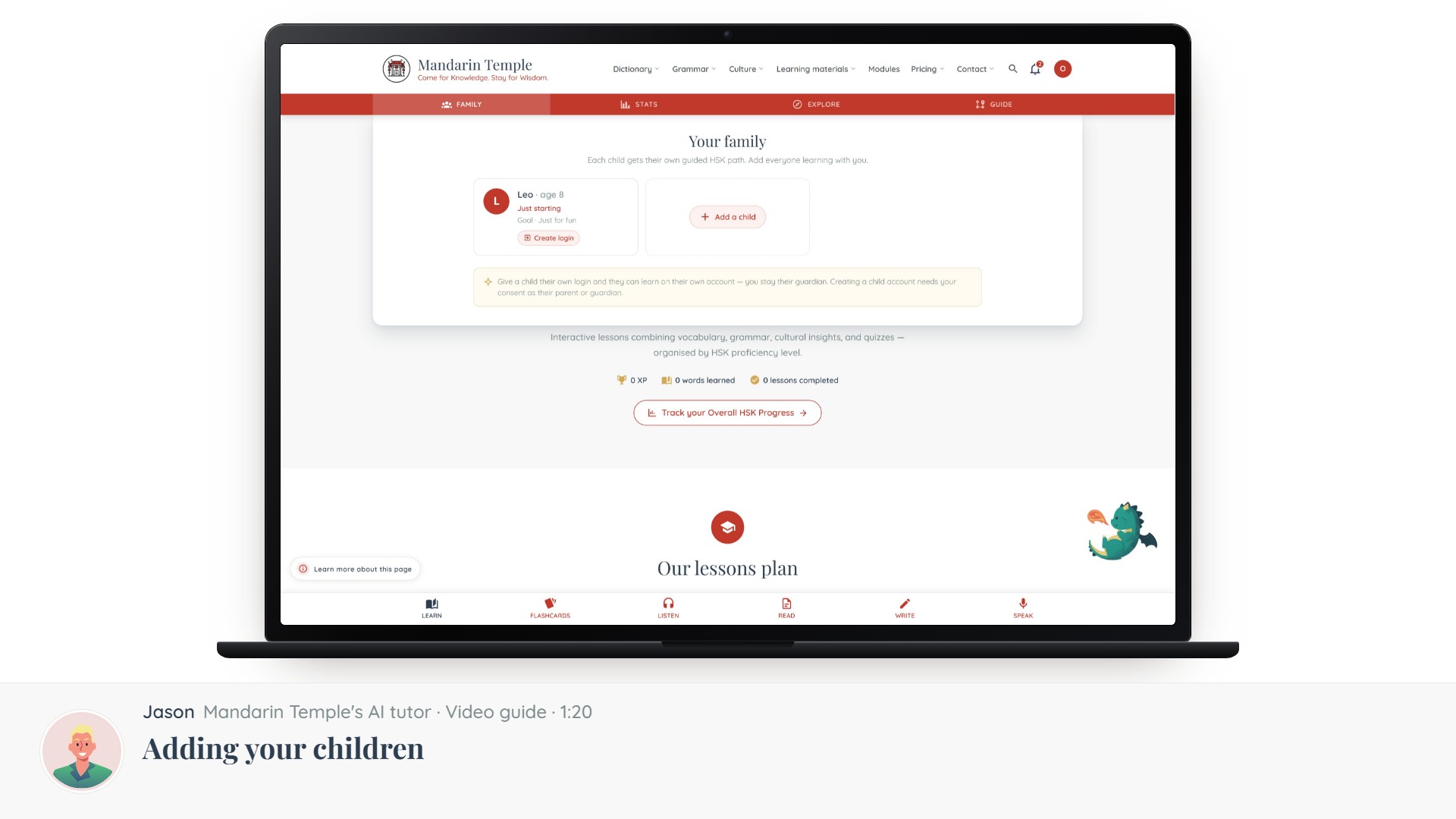
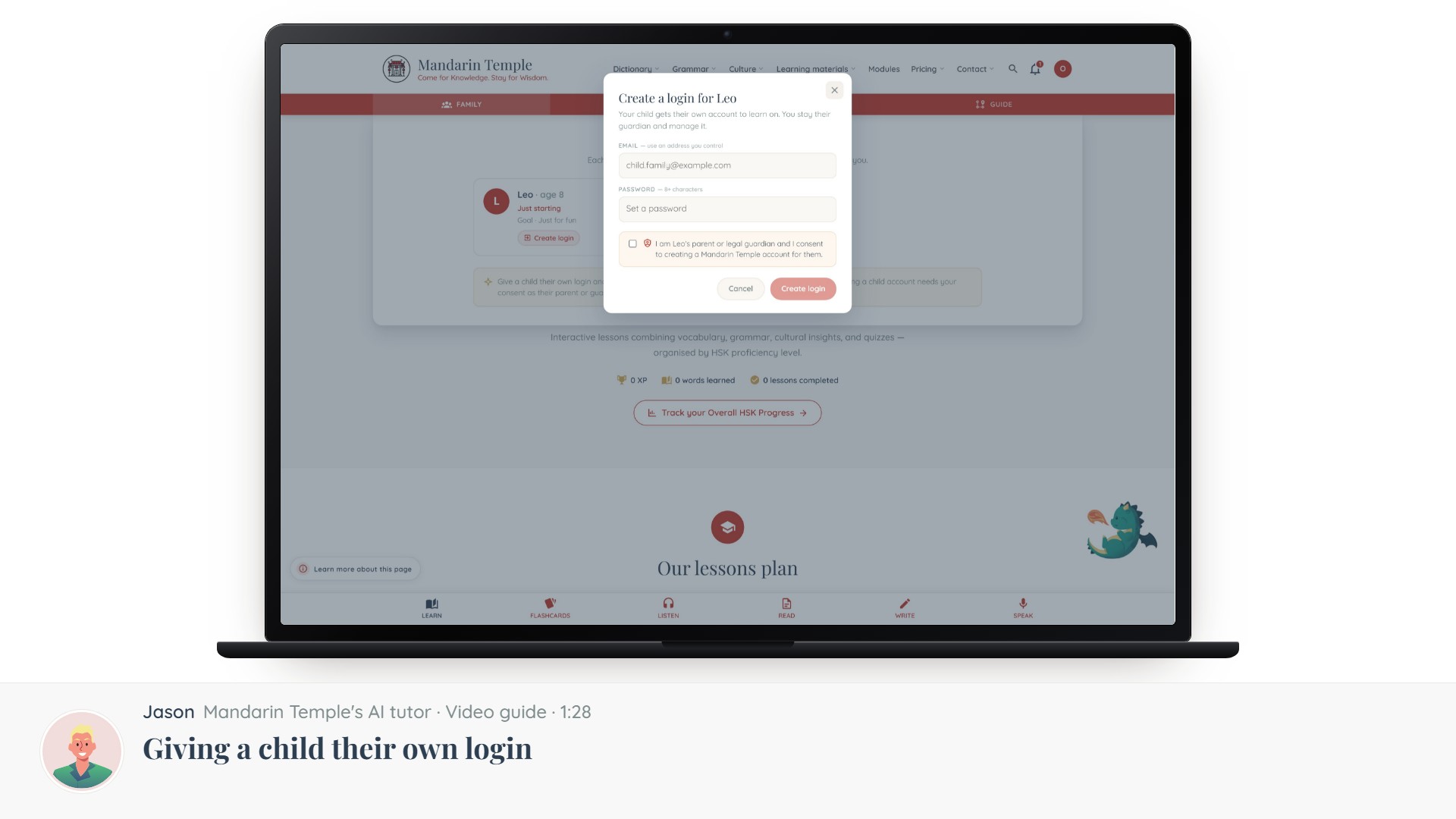
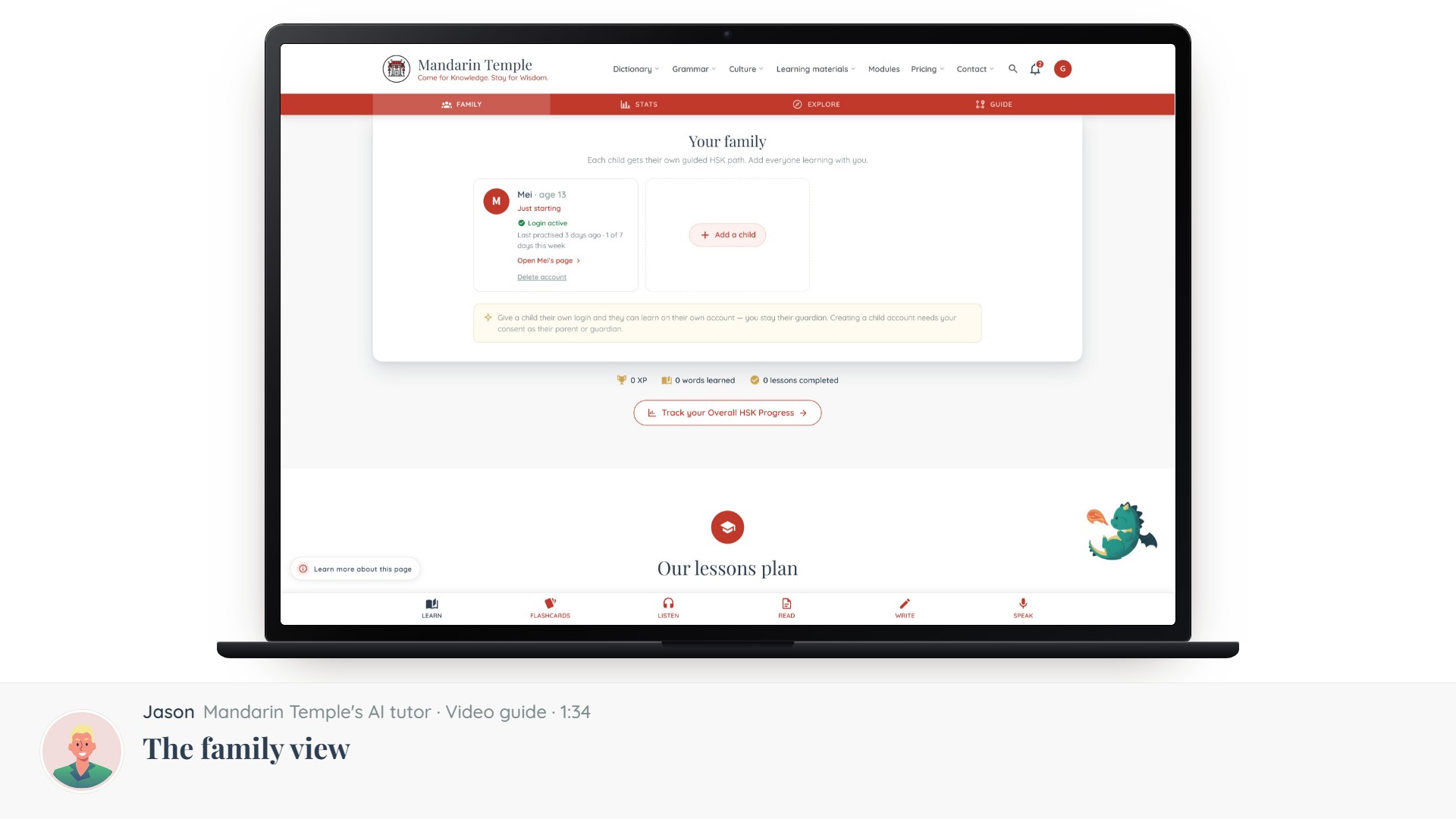
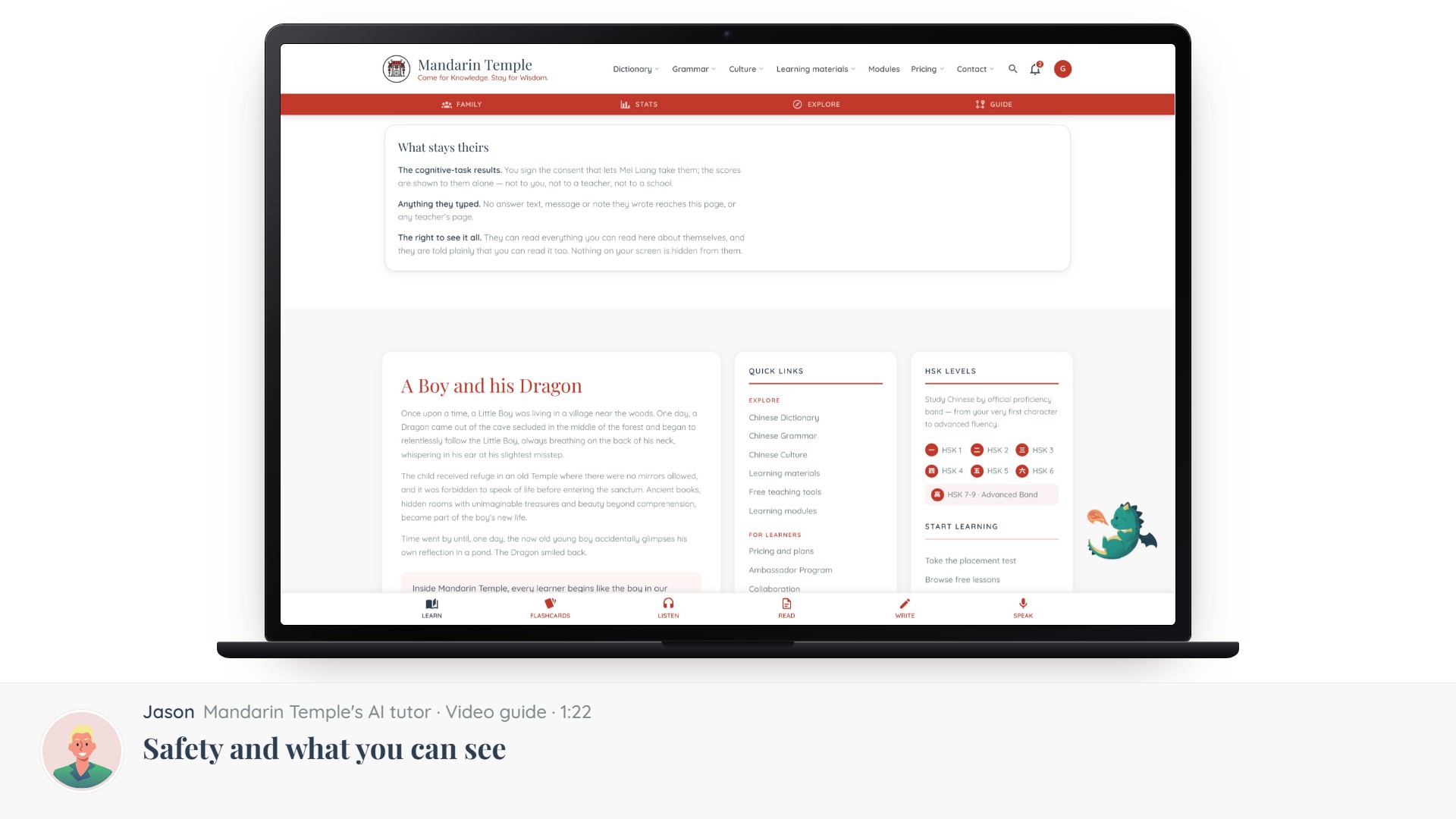
Parent accountsWhat a parent account is for, how it differs from a learner account, and how to switch.Adding your childrenCreating a profile per child, setting their level and goals, and why they start without a login.Giving a child their own loginThe consent step, what a child account can and cannot do, and how to take it back.The family viewYour children side by side — what each has done, and where to help.Helping without hoveringWhat actually helps a child keep going, from people who have watched a lot of learners quit.Safety and what you can seeWhat a guardian can view, what stays private to the child, and how AI features are limited for minors.Teaching with a board at homeBuilding a lesson on the Teaching Board to sit beside your child with — what a parent account can do, and what it cannot.
All guide sections