Troubleshooting · video guide
Audio will not play — video guide
The usual causes in order of likelihood, and what to try before writing to us.
 Presented by Jason, Mandarin Temple's AI tutor · 1:30
Captions are part of the picture, under Jason. The full transcript is below.
Read the transcript
- Hi, I’m Jason, Mandarin Temple’s AI tutor. If audio won’t play, here’s what to try, in the order that usually fixes it.
- Every line in a lesson’s dialogue has a play button. Select one, and the ring beside it fills once the line has played through.
- If a button seems to do nothing, click anywhere on the page first, then press play again. Browsers block sound until you do.
- Next, check your device and browser, outside this page: the volume, an iPhone’s silent switch, a muted tab, and Bluetooth headphones.
- If it worked earlier and has stopped, reload the page. A recording that failed to load is skipped until you do.
- The Sound effects switch in your account doesn’t affect lesson audio. It only covers clicks, and the cues for answers, streaks and XP.
- Playing lesson audio never uses your AI credits, so an empty balance is never the reason a lesson goes quiet.
- Still nothing? Try another browser or device. If it plays there, the first browser’s settings are the place to look.
- If none of that works, tell us the page, your browser and what you’ve tried. That turns a report into something we can fix.
In this video
- 0:00Introduction
- 0:12Every line in a lesson’s dialogue has a play button
- 0:21If a button seems to do nothing, click anywhere on the page first…
- 0:31Next, check your device and browser, outside this page: the volume…
- 0:43If it worked earlier and has stopped, reload the page
- 0:52The Sound effects switch in your account doesn’t affect lesson audio
- 1:01Playing lesson audio never uses your AI credits, so an empty balance…
- 1:10Still nothing?
- 1:19What to do next
Prefer to read it?
The written guide covers the same ground, with every step and the questions people ask.
Audio will not playMore video guides
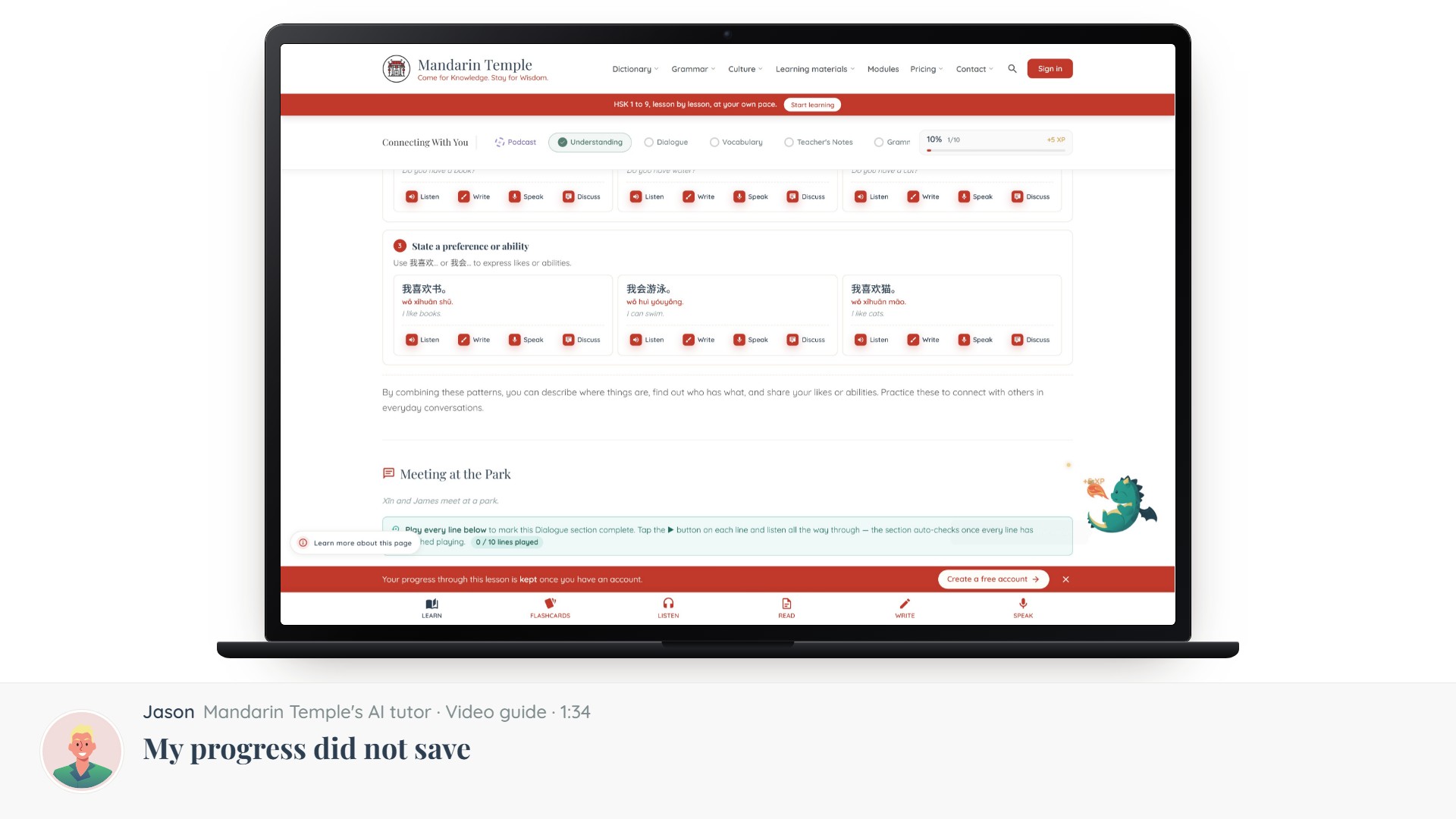 Length 1:34My progress did not saveWhere progress is stored, why a number can differ between devices, and how to force a sync.Progress sync
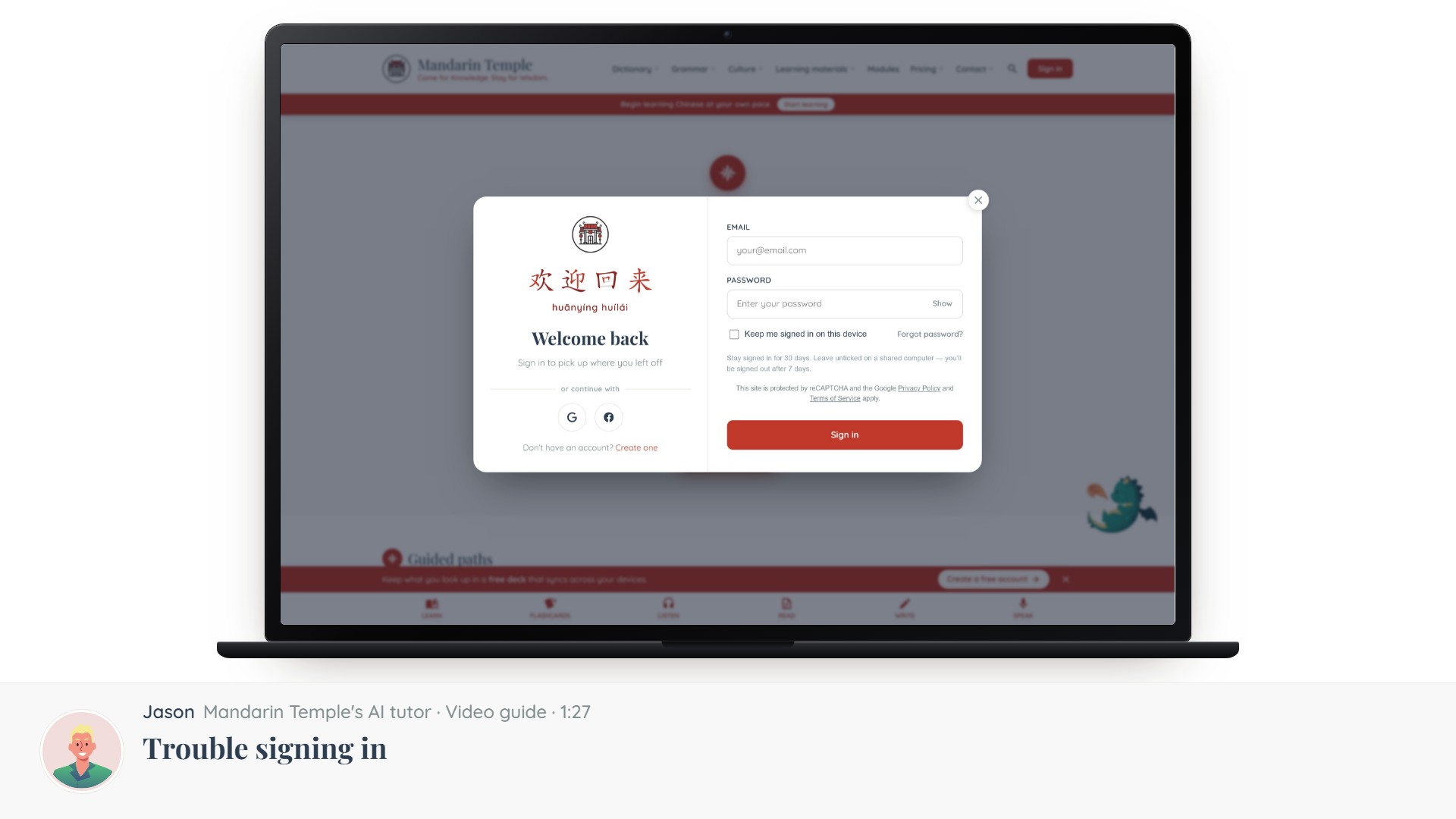 Length 1:27Trouble signing inForgotten passwords, unverified emails, Google sign-in, and accounts you did not mean to make twice.Sign-inGoogle sign-in
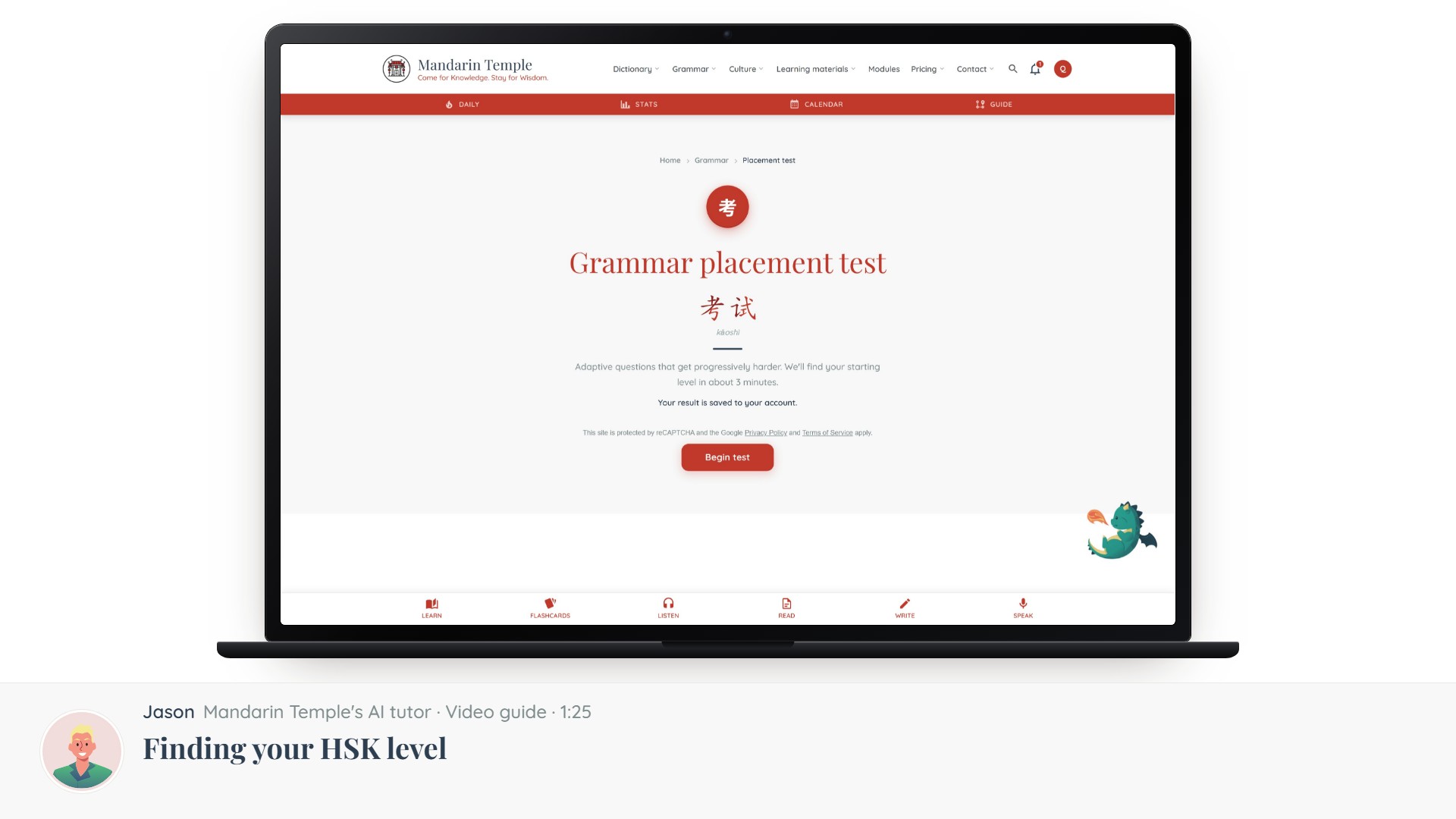 Length 1:25Finding your HSK levelThe placement test, what the six bands mean, and how to change level later if it was wrong.Placement testHSK levels
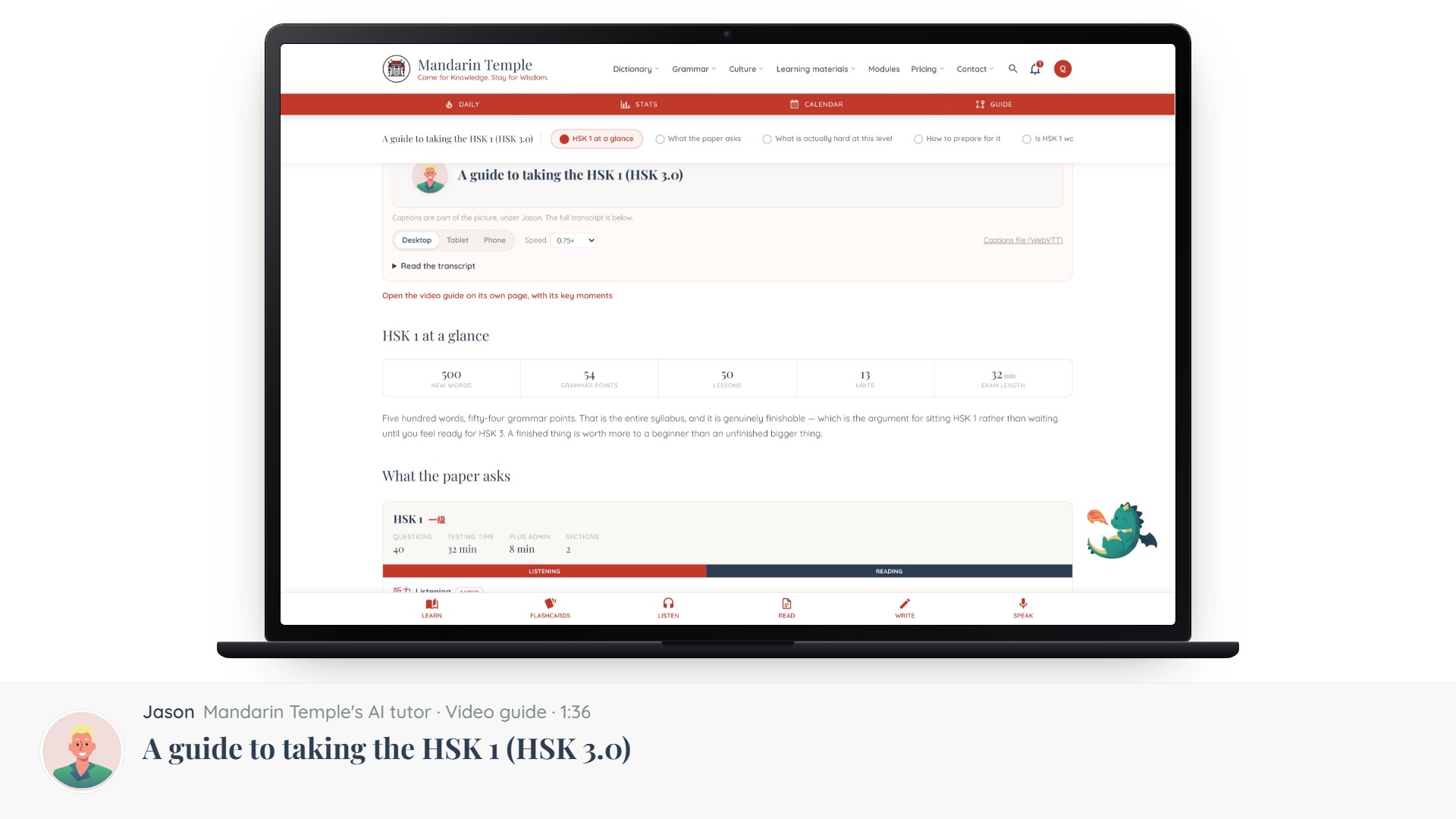 Length 1:36A guide to taking the HSK 1 (HSK 3.0)Everything the HSK 1 paper asks of you: 40 questions in 32 minutes, no writing section, and the 500 words and 54 grammar points behind them.HSK exam guideMock exams