For institutions · video guide
Setting up your school — video guide
From an empty workspace to a running programme, in the order the steps actually depend on each other.
 Presented by Jason, Mandarin Temple's AI tutor · 1:25
Captions are part of the picture, under Jason. The full transcript is below.
Read the transcript
- Hi, I’m Jason, Mandarin Temple’s AI tutor. This is a brand-new school’s workspace, and I’ll show you where everything you need lives.
- At the top sit your school’s name, its plan, and how many teacher seats and student places are already in use.
- A new school can explore for free, with room for one teacher and up to ten students, and no card needed.
- Eight tabs below hold the work itself: teachers, students, classes, join requests, imports, analytics, billing and your school’s own settings.
- Select Classes: this is where your school’s classes will appear, whether you create them yourself or your teachers do later.
- The red bar above opens summaries. Overview counts your seats, students and classes, with shortcuts to invite teachers and import students.
- Guide sets out the order that works best: invite your teachers first, they create classes, then you import your students into them.
- When you’re ready, you start your free trial from Billing, and everything you have already set up comes with you.
- That’s your school’s workspace, ready for its first teachers. Next, invite the teachers who will run its classes.
In this video
- 0:00Introduction
- 0:10At the top sit your school’s name, its plan, and how many teacher…
- 0:18A new school can explore for free, with room for one teacher and up…
- 0:25Eight tabs below hold the work itself: teachers, students, classes…
- 0:38Select Classes: this is where your school’s classes will appear…
- 0:47The red bar above opens summaries
- 0:57Guide sets out the order that works best: invite your teachers first…
- 1:07When you’re ready, you start your free trial from Billing, and…
- 1:14What to do next
Prefer to read it?
The written guide covers the same ground, with every step and the questions people ask.
Setting up your schoolMore video guides
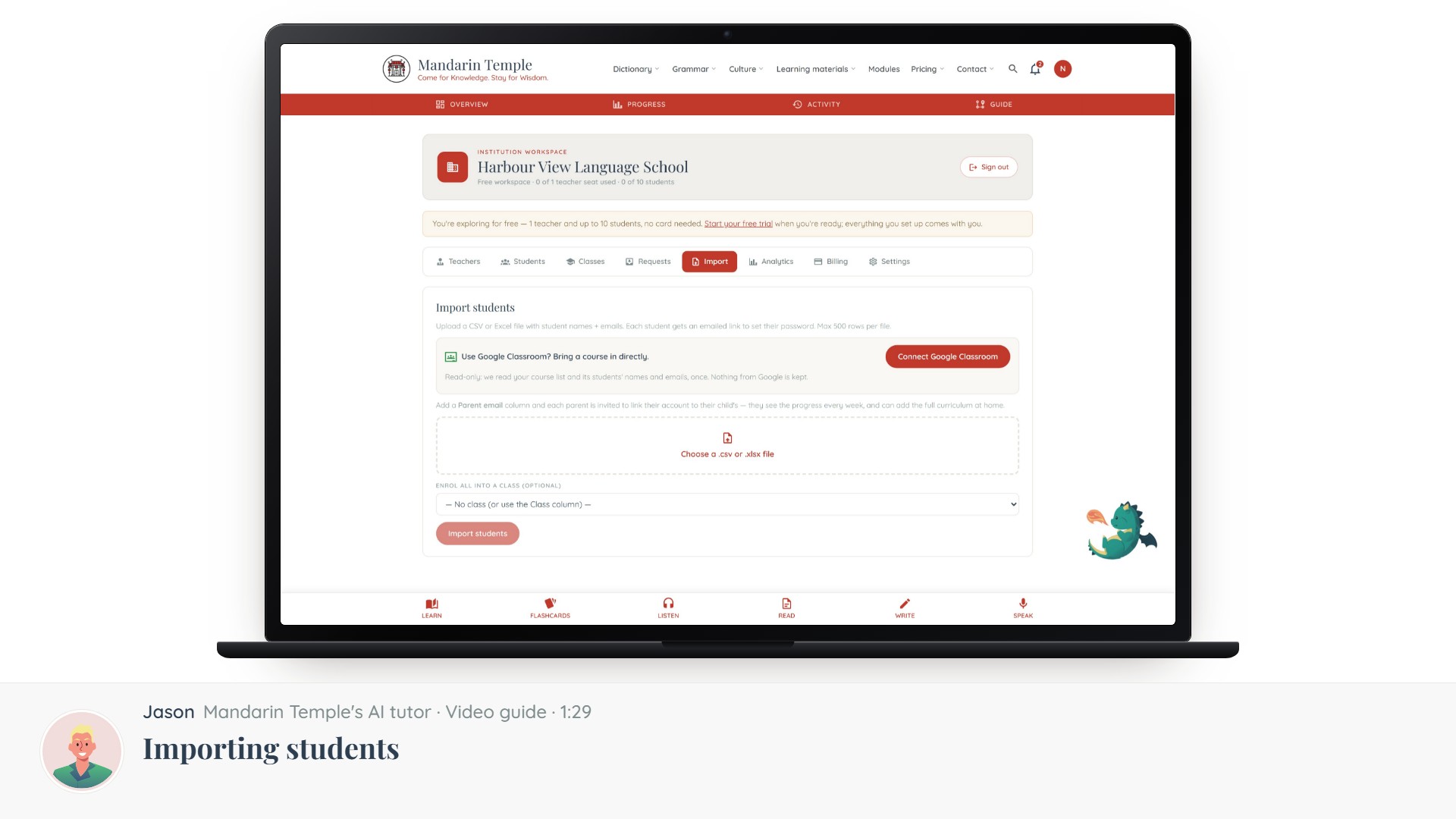 Length 1:29Importing studentsThe CSV format, enrolling a whole class at once, and what happens before a student claims their account.School workspaceStudent import
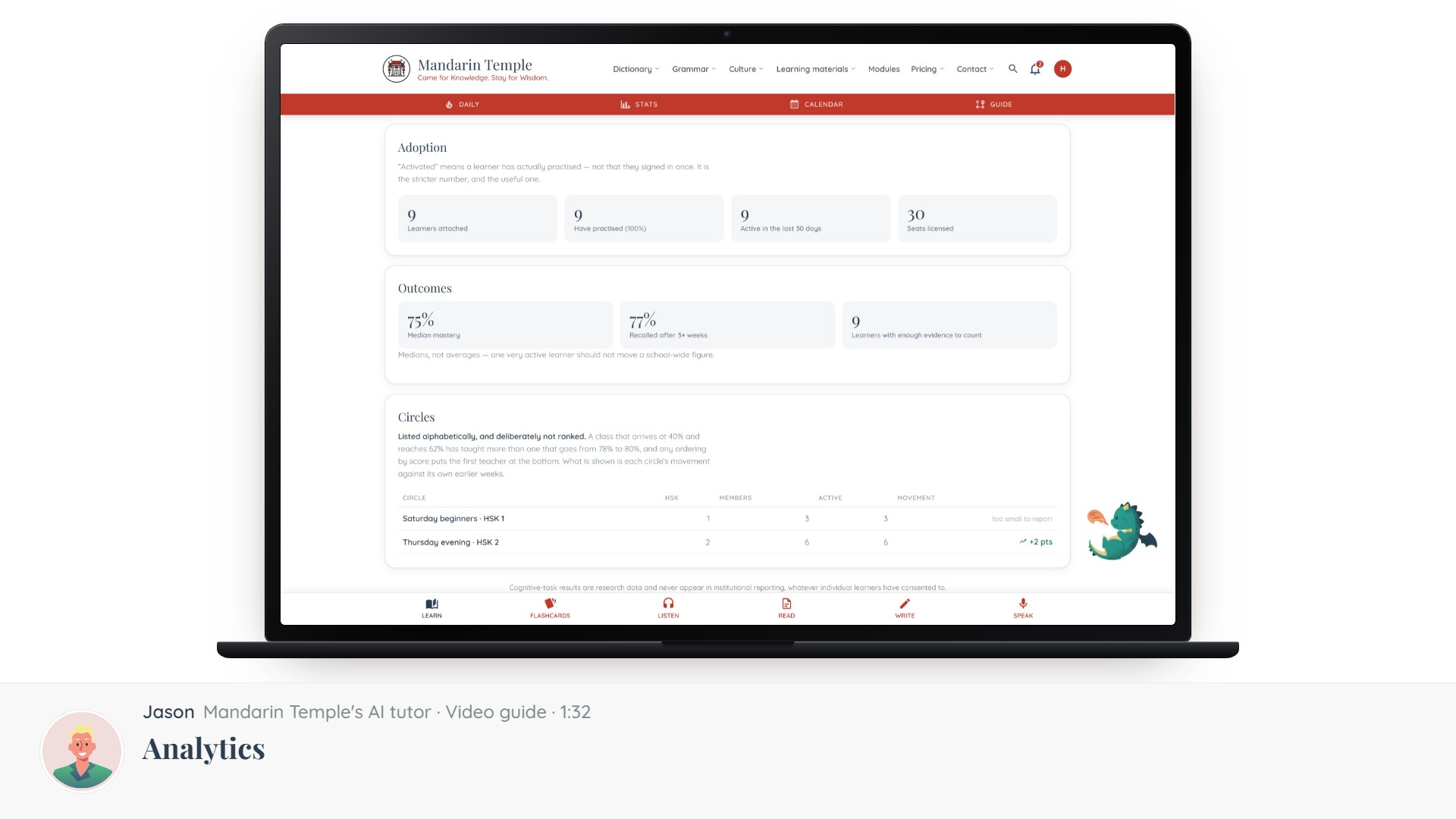 Length 1:32AnalyticsCompletion across every teacher and class, and how to read it without punishing the hardest intake.School analytics
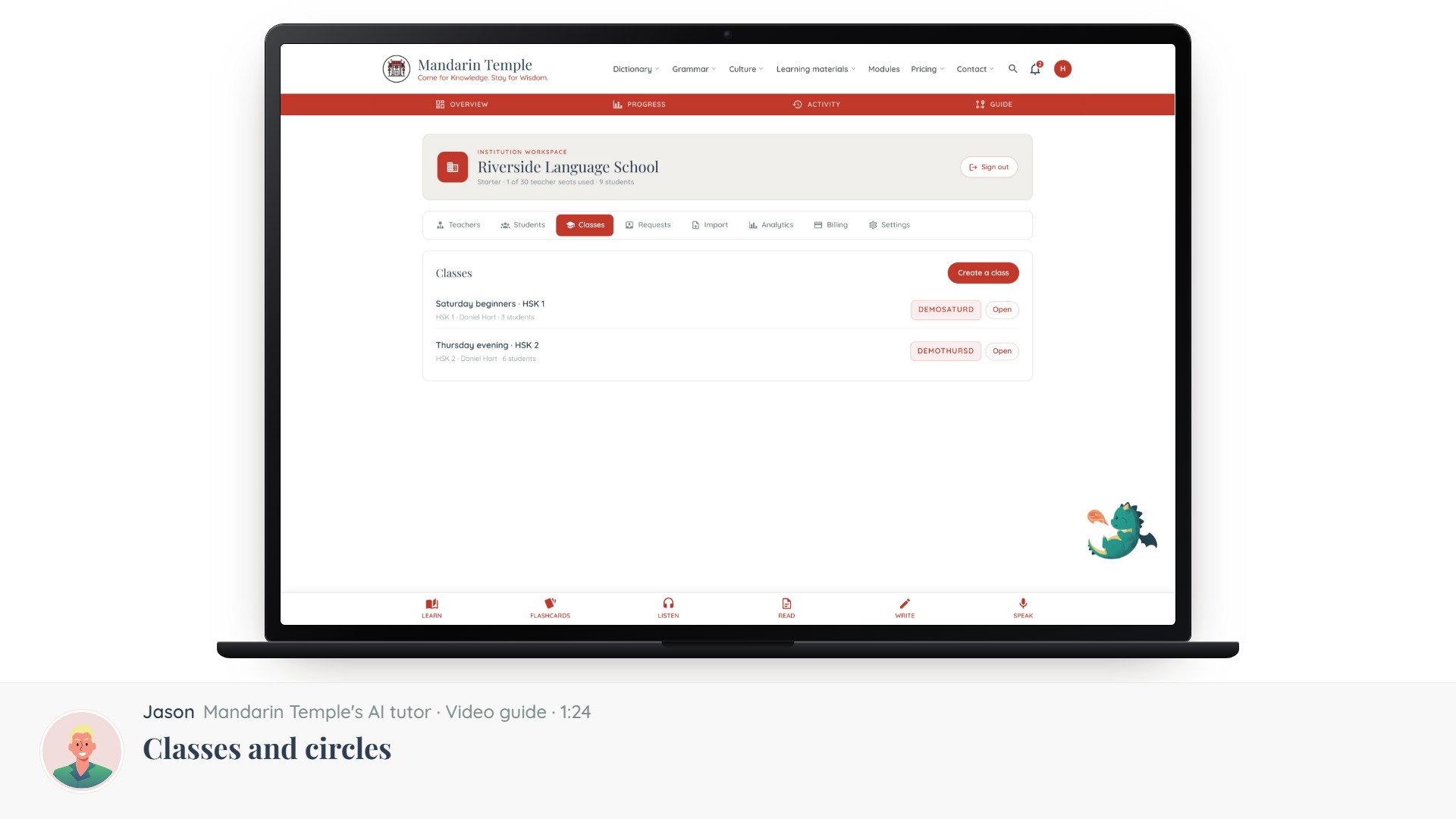 Length 1:24Classes and circlesHow your teachers’ classes attach to the school, and which circles do not.ClassesCircles
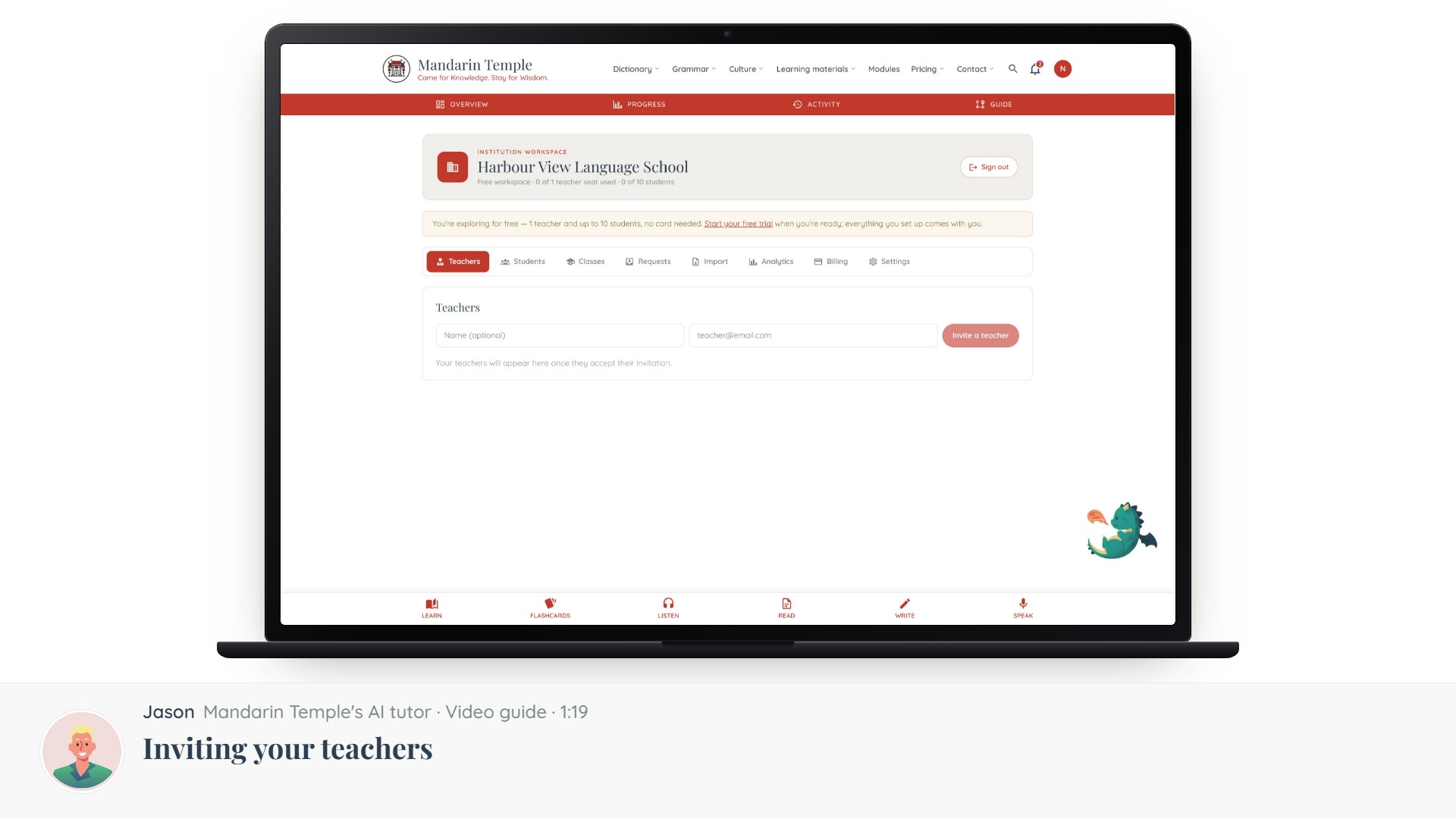 Length 1:19Inviting your teachersAdding teaching staff by email, what they get, and what they can do once they accept.School workspaceTeacher invites