For institutions · video guide
Classes and circles — video guide
How your teachers’ classes attach to the school, and which circles do not.
 Presented by Jason, Mandarin Temple's AI tutor · 1:24
Captions are part of the picture, under Jason. The full transcript is below.
Read the transcript
- Hi, I’m Jason, Mandarin Temple’s AI tutor. Here’s how your school’s classes work, shown in a demonstration school with two classes already running.
- Classes lists every class in your school, with its level, its teacher and its students, and Open takes you inside.
- Each class has its own join code, and anyone who joins with it counts as one of your school’s students.
- You can create a class yourself, as your teachers can: select Create a class, then choose a name, a level and who can find it.
- Each new class uses fifty credits from your school’s balance, or from your own if the school’s has run out.
- Inside a class you see its members, and you can invite students by email.
- An invited student gets a link by email, and nothing changes on their account until they accept.
- Moderators are other adult teachers at your school, who can take a message or a post out of the room.
- They can’t remove or mute anyone, set work or see progress, and this school has no second teacher to appoint yet.
- That’s classes: each one belongs to your school, and its teacher, or you, decides who joins and who moderates.
In this video
- 0:00Introduction
- 0:12Classes lists every class in your school, with its level, its teacher…
- 0:21Each class has its own join code, and anyone who joins with it counts…
- 0:27You can create a class yourself, as your teachers can: select Create…
- 0:37Each new class uses fifty credits from your school’s balance, or from…
- 0:45Inside a class you see its members, and you can invite students by…
- 0:51An invited student gets a link by email, and nothing changes on their…
- 0:58Moderators are other adult teachers at your school, who can take a…
- 1:04They can’t remove or mute anyone, set work or see progress, and this…
- 1:13What to do next
Prefer to read it?
The written guide covers the same ground, with every step and the questions people ask.
Classes and circlesMore video guides
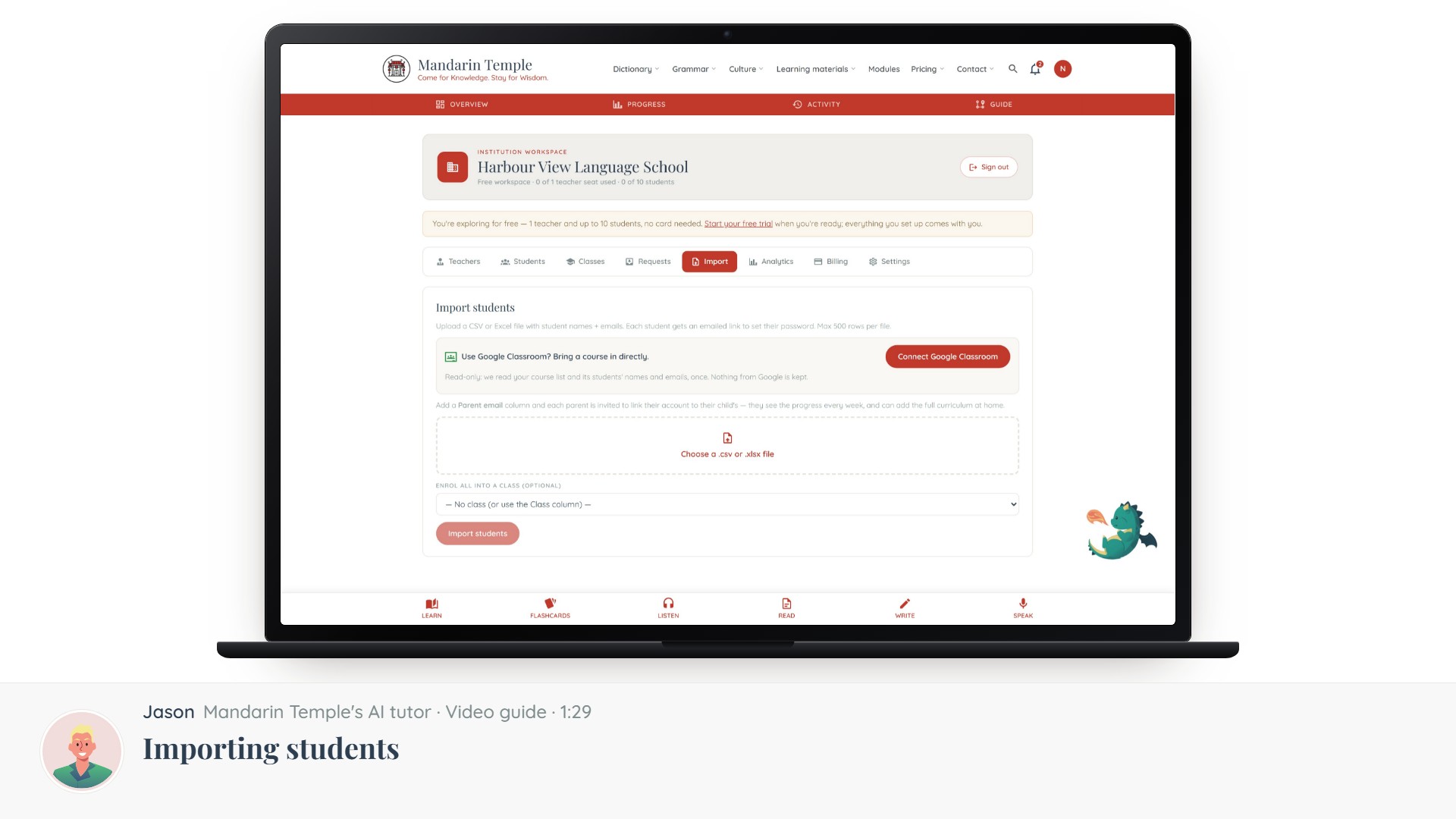 Length 1:29Importing studentsThe CSV format, enrolling a whole class at once, and what happens before a student claims their account.School workspaceStudent import
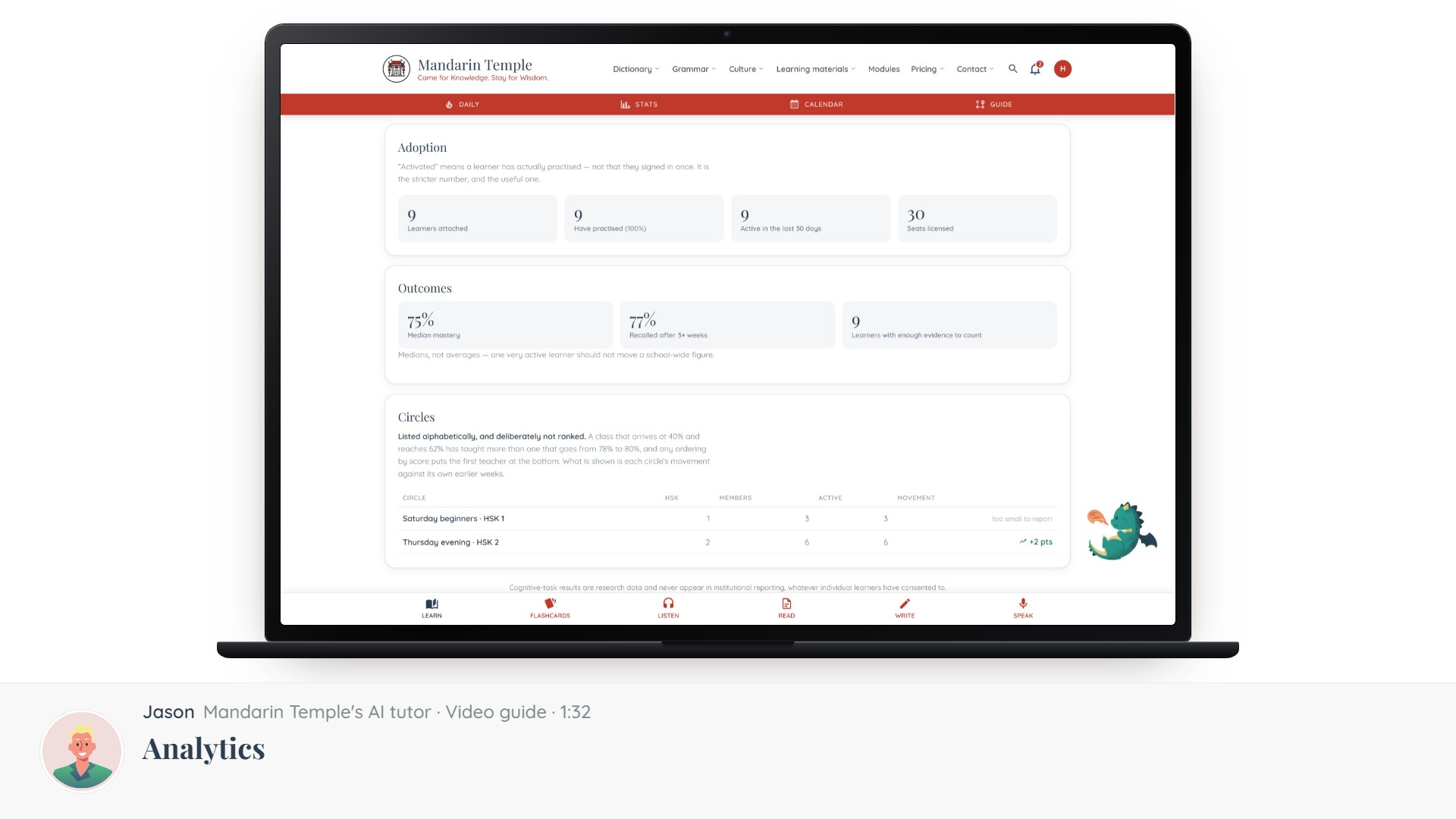 Length 1:32AnalyticsCompletion across every teacher and class, and how to read it without punishing the hardest intake.School analytics
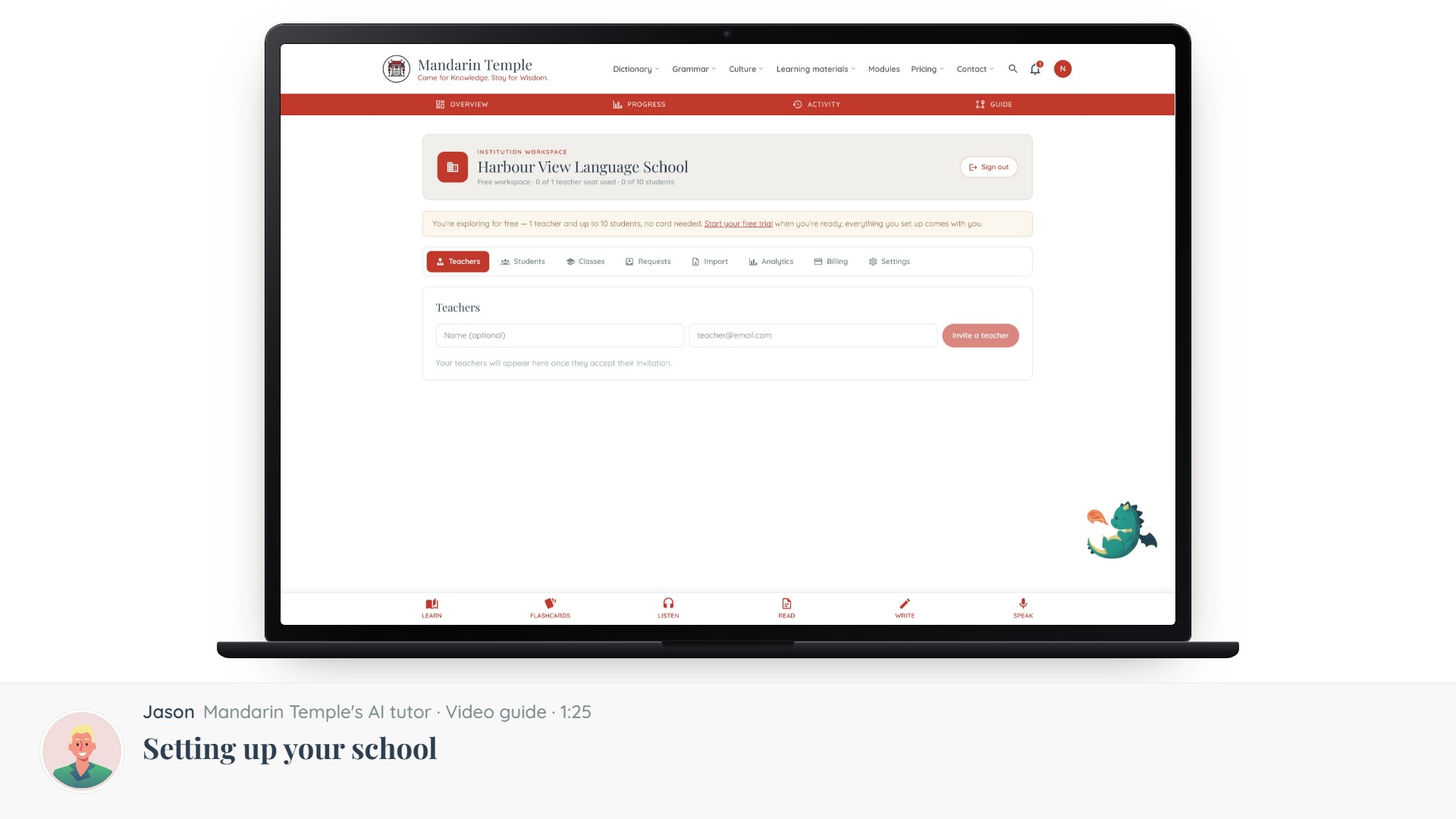 Length 1:25Setting up your schoolFrom an empty workspace to a running programme, in the order the steps actually depend on each other.School workspace
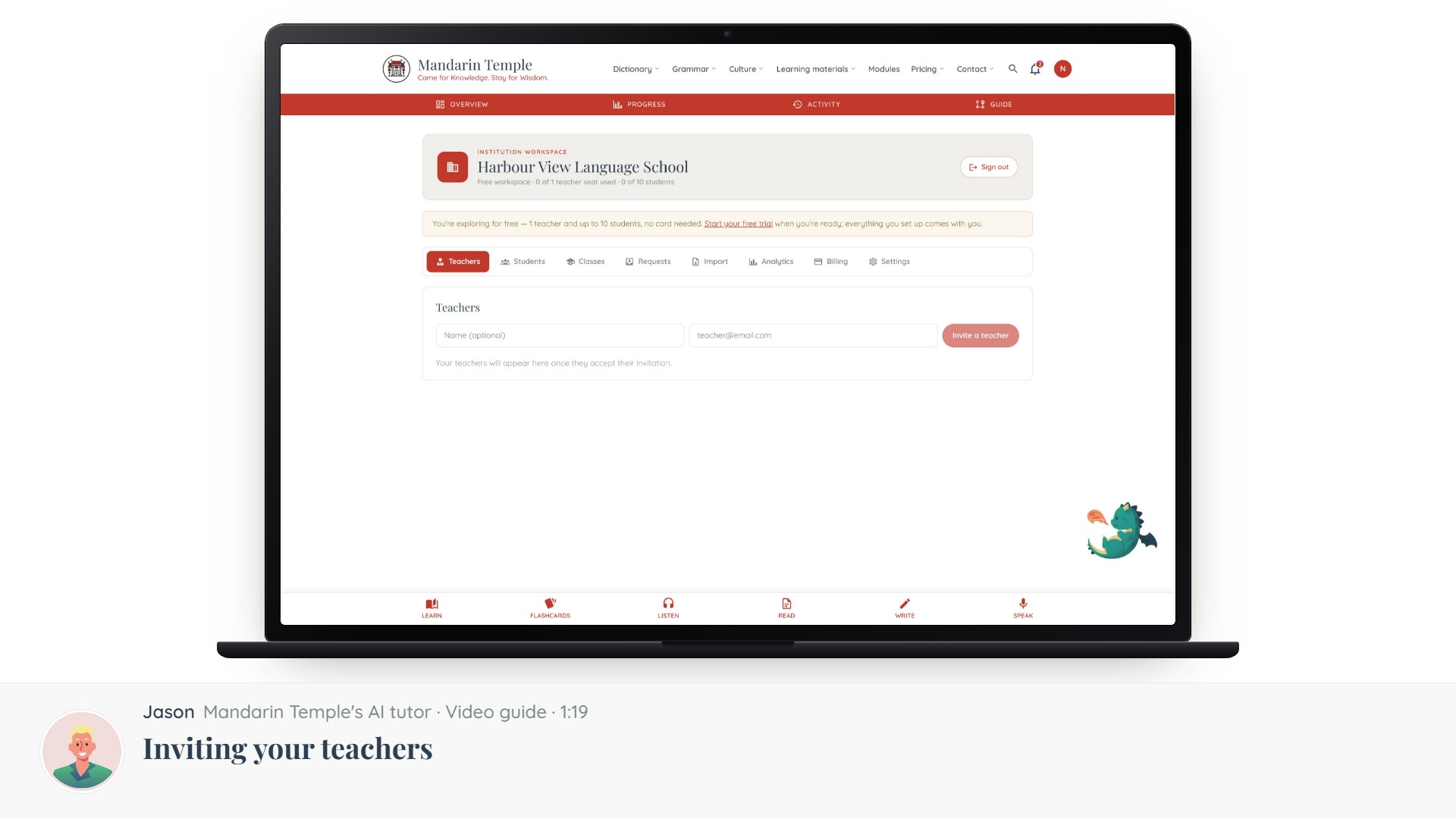 Length 1:19Inviting your teachersAdding teaching staff by email, what they get, and what they can do once they accept.School workspaceTeacher invites