For institutions · video guide
Importing students — video guide
The CSV format, enrolling a whole class at once, and what happens before a student claims their account.
 Presented by Jason, Mandarin Temple's AI tutor · 1:29
Captions are part of the picture, under Jason. The full transcript is below.
Read the transcript
- Hi, I’m Jason, Mandarin Temple’s AI tutor. Here’s how to bring a whole class list into your school from a single spreadsheet, in one go.
- Import takes a CSV or Excel file of your students’ names and email addresses, up to five hundred rows at a time.
- Each new student is emailed their own link to set a password, so you never handle anyone’s password yourself.
- Choose the file in this box, then press Import students. Nothing is created or sent until you press it.
- Once your classes exist, you can enrol everyone into one, or add a Class column so each student lands in the right one.
- Add a Parent email column as well, and each parent is invited to link their own account to their child’s.
- The line under your school’s name counts your students against the limit: this free workspace holds ten.
- In Guide, Students claim accounts explains the rest: each student shows as Invited until they have set their password.
- Go to Students lists them, and shows whether each holds a curriculum seat, with lessons, or a platform seat without.
- That’s importing: one spreadsheet in, an invitation out to every student, and everyone counted within your plan’s student limit.
In this video
- 0:00Introduction
- 0:12Import takes a CSV or Excel file of your students’ names and email…
- 0:21Each new student is emailed their own link to set a password, so you…
- 0:27Choose the file in this box, then press Import students
- 0:36Once your classes exist, you can enrol everyone into one, or add a…
- 0:45Add a Parent email column as well, and each parent is invited to link…
- 0:51The line under your school’s name counts your students against the…
- 0:59In Guide, Students claim accounts explains the rest: each student…
- 1:09Go to Students lists them, and shows whether each holds a curriculum…
- 1:18What to do next
Prefer to read it?
The written guide covers the same ground, with every step and the questions people ask.
Importing studentsMore video guides
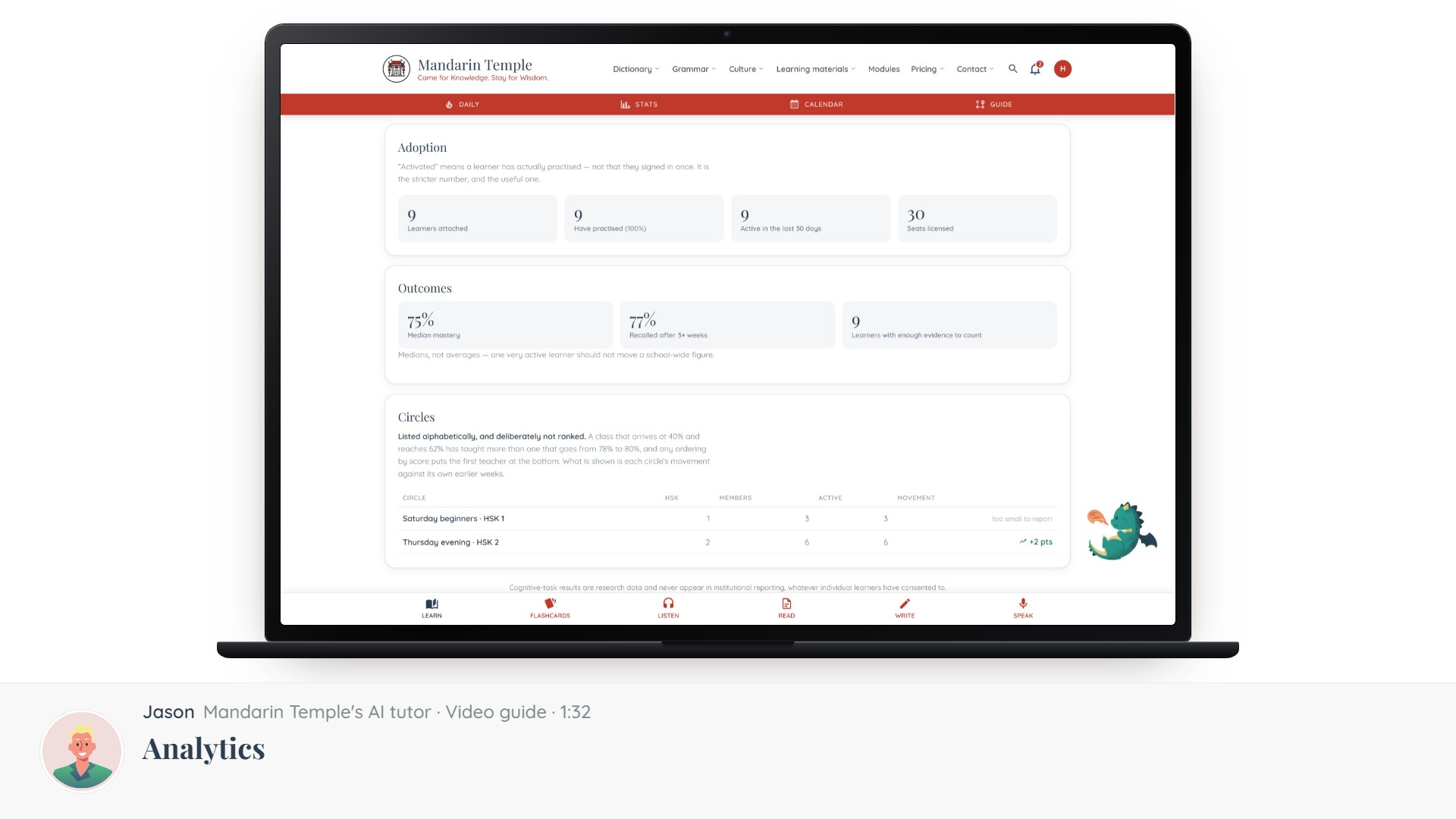 Length 1:32AnalyticsCompletion across every teacher and class, and how to read it without punishing the hardest intake.School analytics
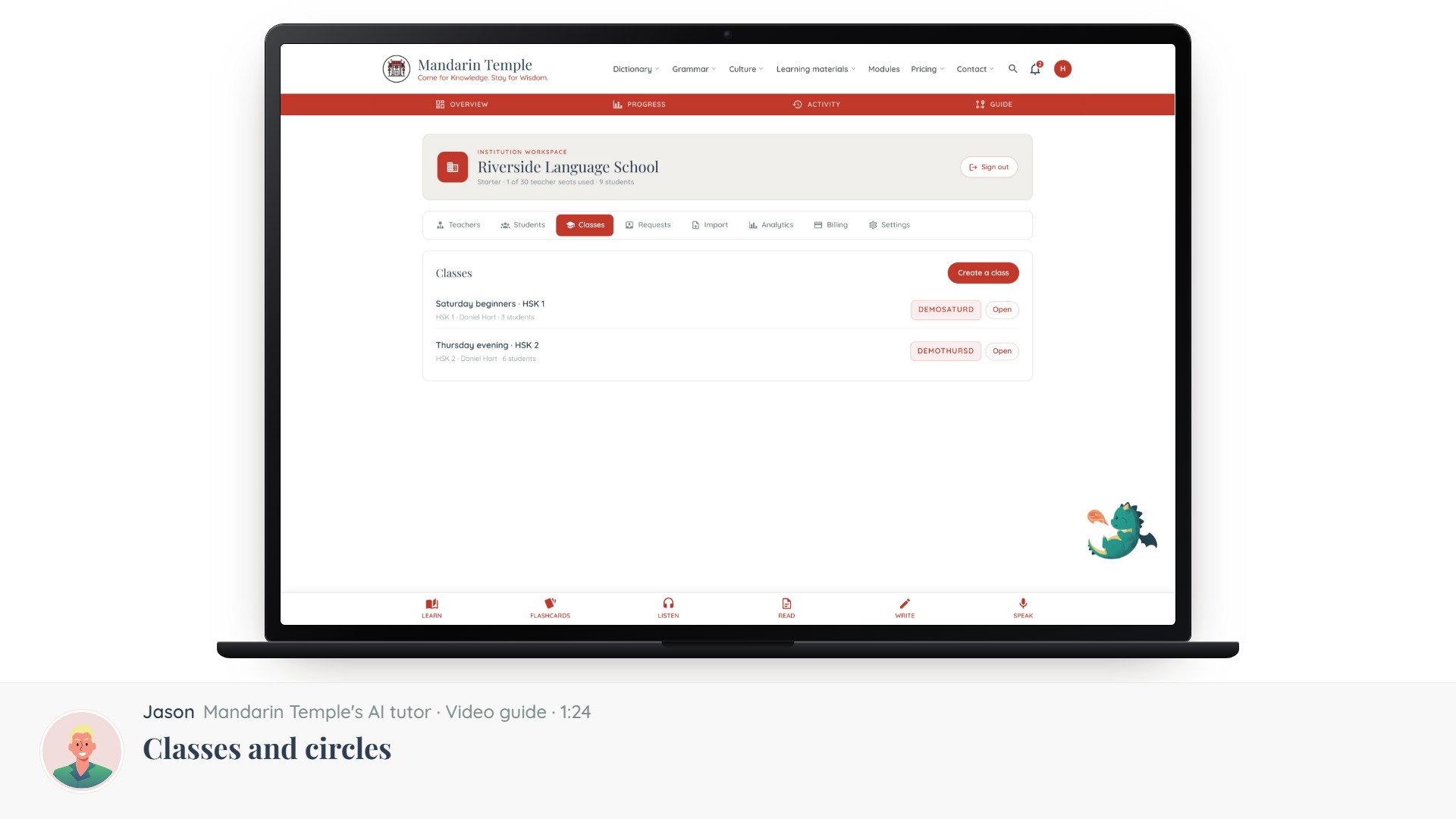 Length 1:24Classes and circlesHow your teachers’ classes attach to the school, and which circles do not.ClassesCircles
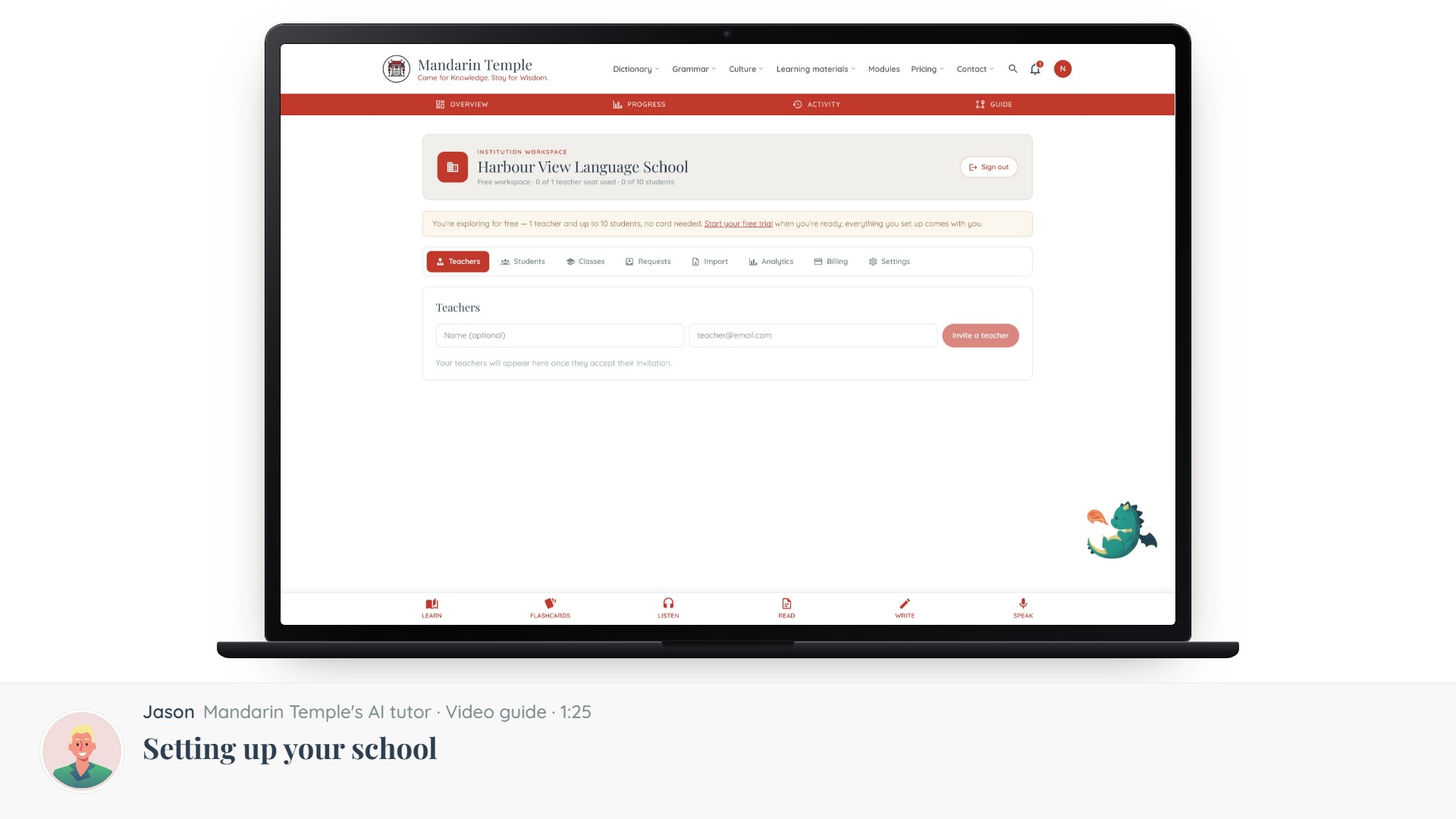 Length 1:25Setting up your schoolFrom an empty workspace to a running programme, in the order the steps actually depend on each other.School workspace
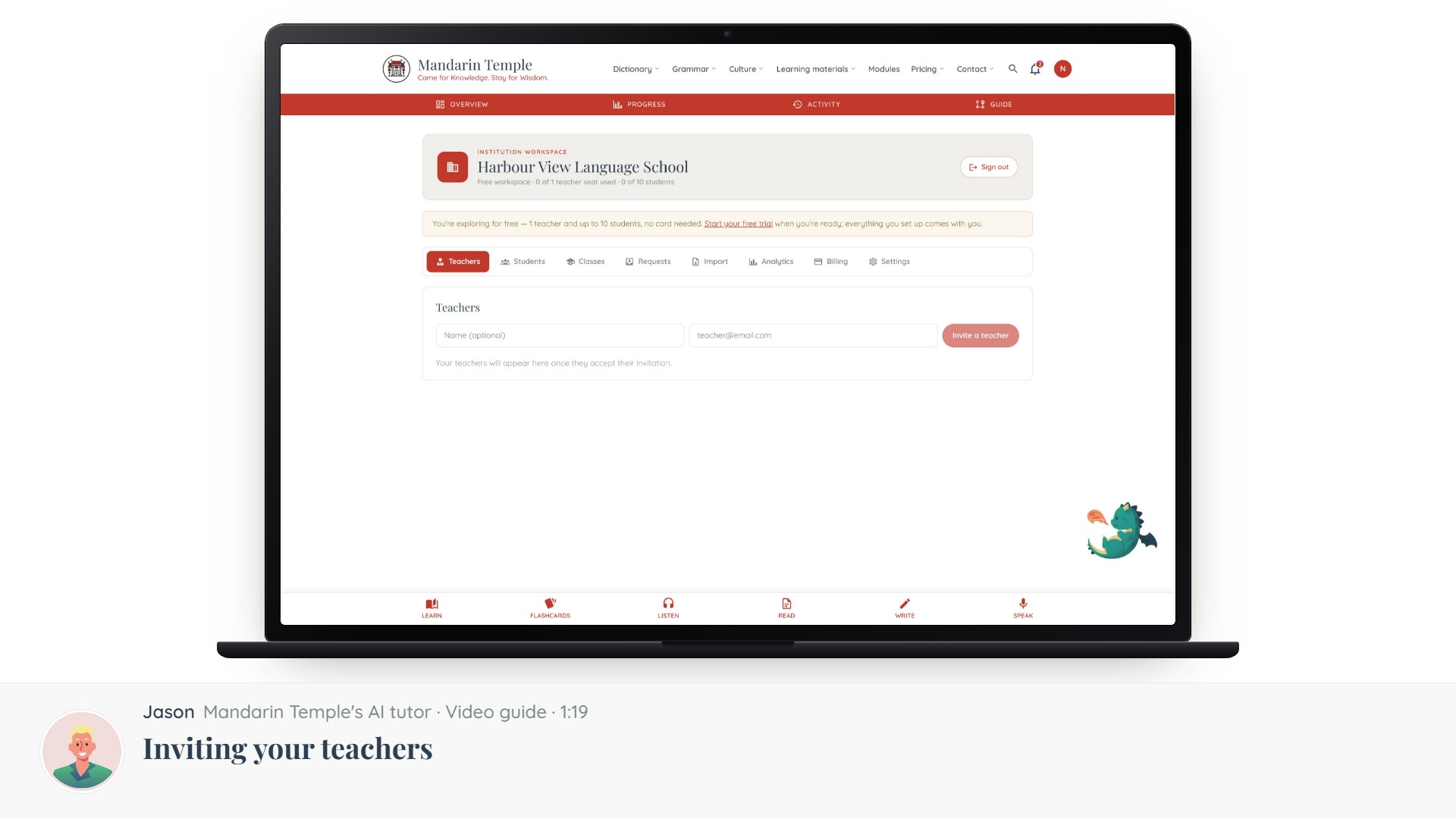 Length 1:19Inviting your teachersAdding teaching staff by email, what they get, and what they can do once they accept.School workspaceTeacher invites