For tutors · video guide
Tracking progress — video guide
Who opened what, who finished it, and where a learner is actually stuck rather than merely behind.
 Presented by Jason, Mandarin Temple's AI tutor · 1:30
Captions are part of the picture, under Jason. The full transcript is below.
Read the transcript
- Hi, I’m Jason, Mandarin Temple’s AI tutor. Here’s how to see how each learner, and each circle, is really getting on, shown on a demonstration teacher’s classes.
- In the Learning Lab, Circles lists every circle you teach, with how many learners each one has.
- They’re ordered by size and never ranked against each other, and neither are the people who teach them.
- Open a circle for four figures: who practised in the last two weeks, median mastery, recall after three weeks, and who needs attention.
- Anyone flagged comes with a reason, the evidence behind it, and something to try this week.
- Below that, everyone is listed alphabetically, never ranked, with mastery, recognition, production and recall for each learner.
- A plus-or-minus shows how far a figure could still move, and a dash means not measured yet, never a low score.
- In a smaller circle, group figures wait until five learners have practised enough, so no one learner’s result stands for the group.
- Select any name to open that learner’s own record in the Lab, facet by facet.
- That’s progress at a glance: who is keeping up, who needs help, and why, without ranking anyone.
In this video
- 0:00Introduction
- 0:13In the Learning Lab, Circles lists every circle you teach, with how…
- 0:20They’re ordered by size and never ranked against each other, and…
- 0:27Open a circle for four figures: who practised in the last two weeks…
- 0:39Anyone flagged comes with a reason, the evidence behind it, and…
- 0:46Below that, everyone is listed alphabetically, never ranked, with…
- 0:56A plus-or-minus shows how far a figure could still move, and a dash…
- 1:05In a smaller circle, group figures wait until five learners have…
- 1:13Select any name to open that learner’s own record in the Lab, facet…
- 1:20What to do next
Prefer to read it?
The written guide covers the same ground, with every step and the questions people ask.
Tracking progressMore video guides
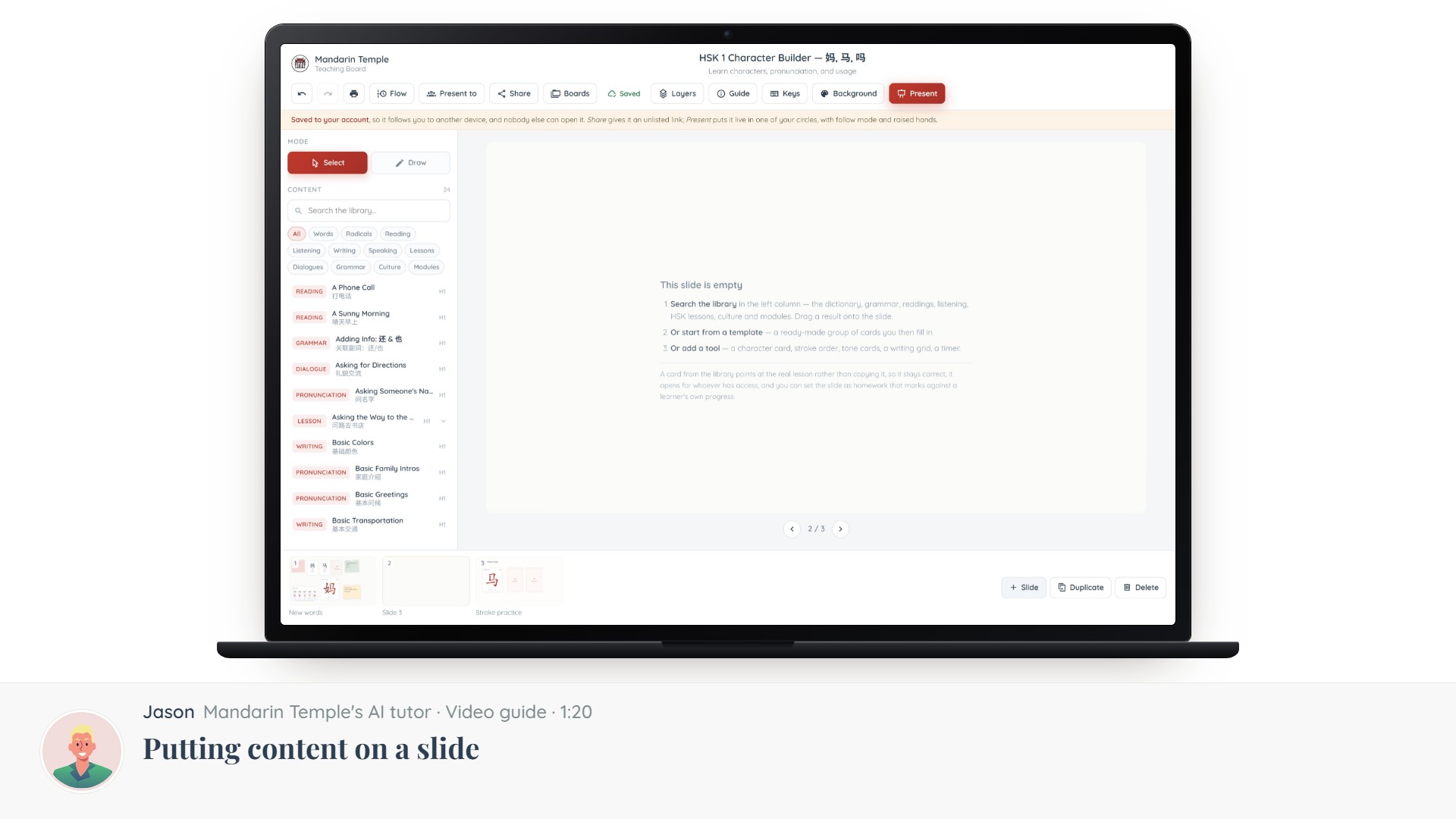 Length 1:20Putting content on a slideThe Content column: searching 21,000+ dictionary entries, HSK lessons, grammar and readings, and dragging one onto a slide.Teaching BoardContent library
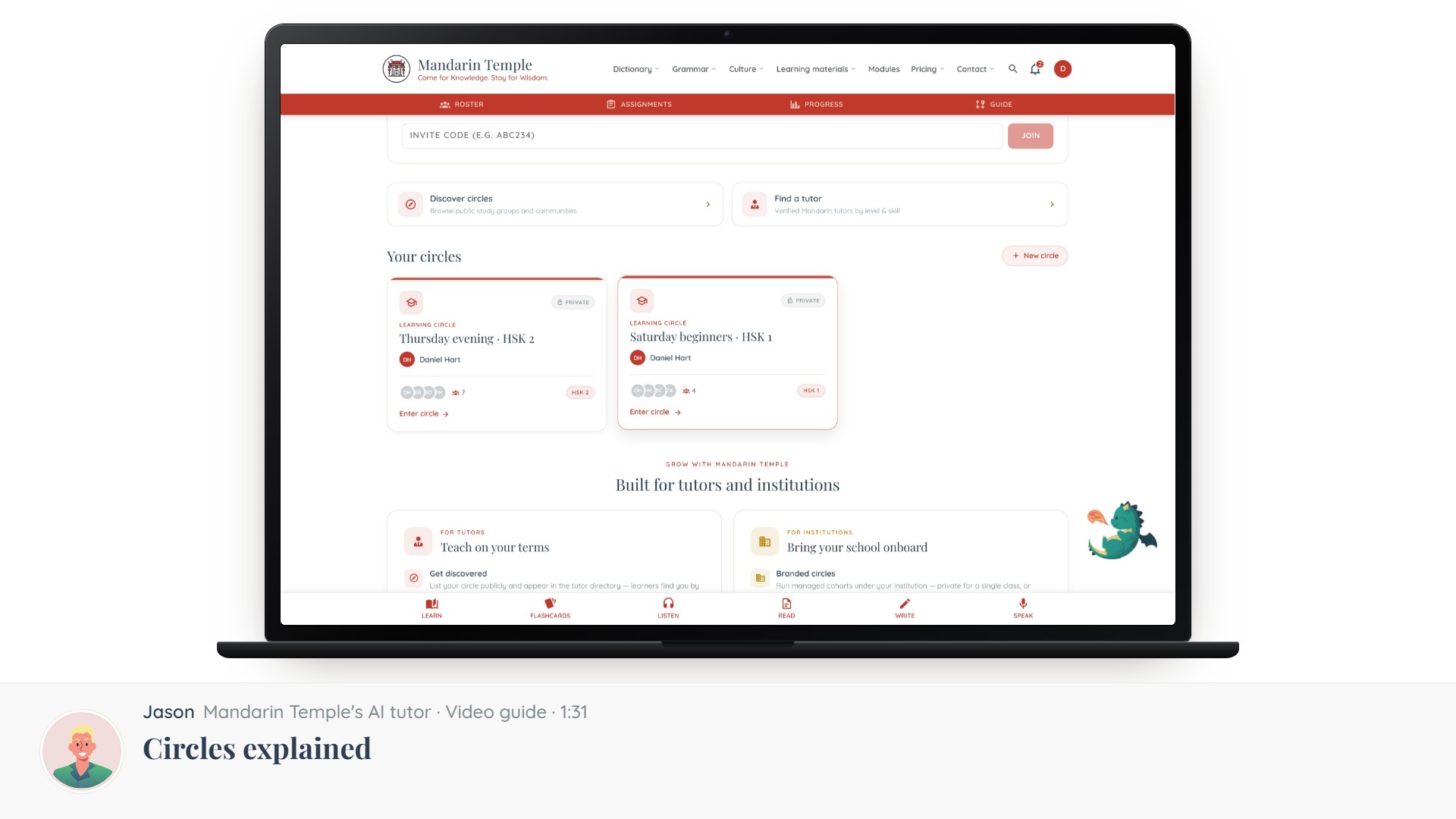 Length 1:31Circles explainedThe five kinds of circle, which one you want, and what visibility actually controls.Circles
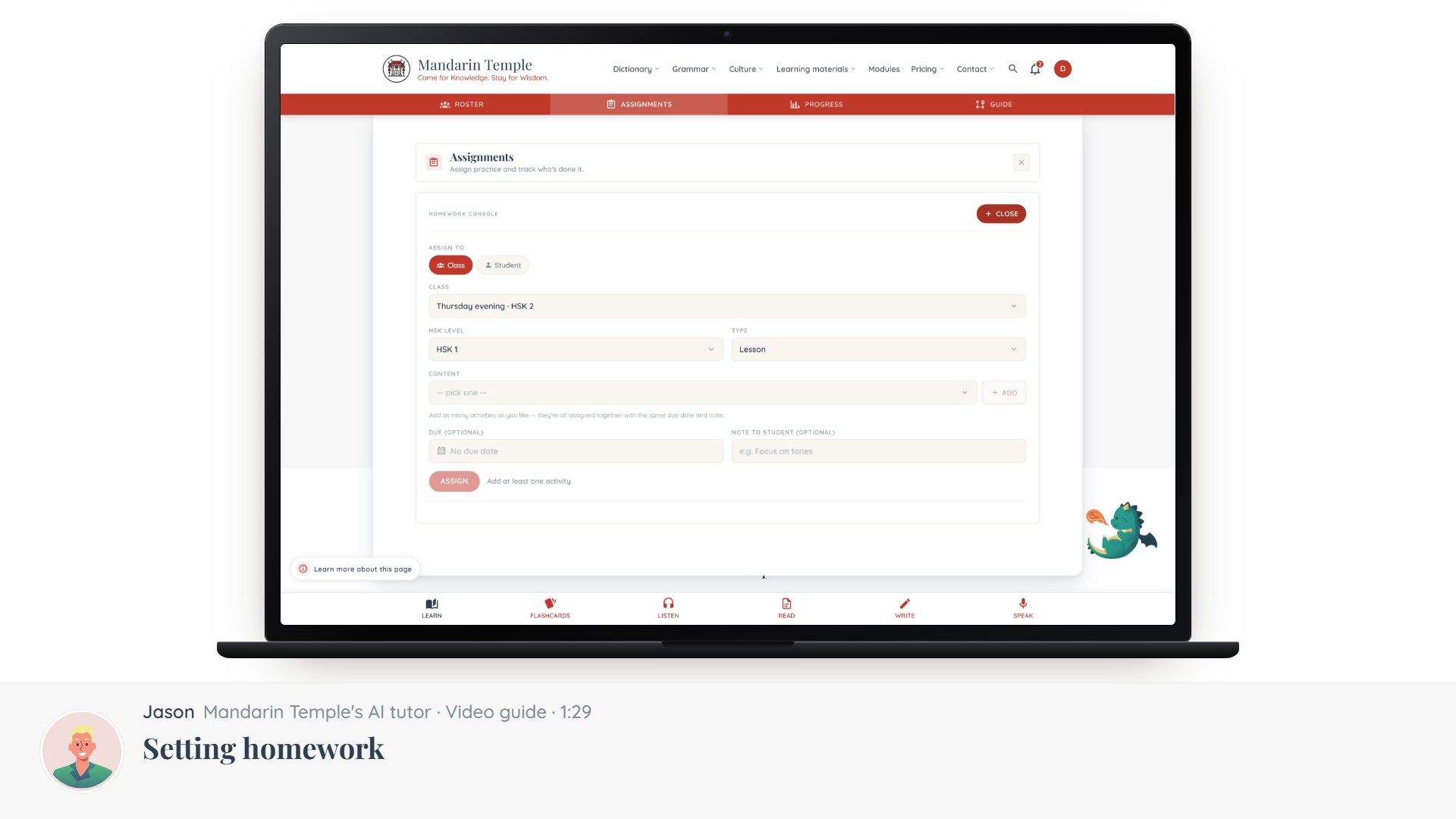 Length 1:29Setting homeworkAssign a lesson, a reading, a mock exam or a word list — to a whole circle or one learner.Assignments
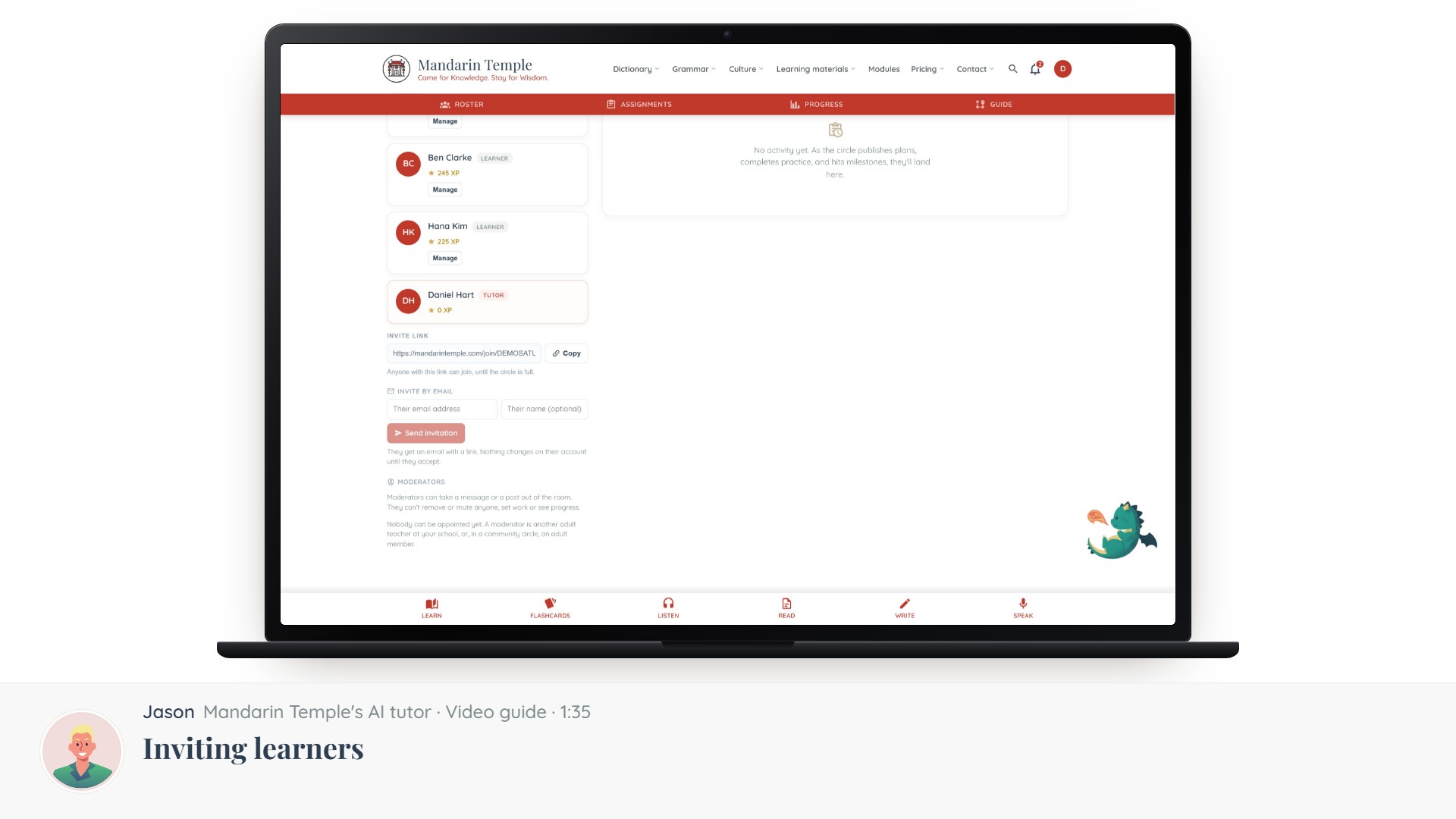 Length 1:35Inviting learnersInvite codes, links and email invitations — and what a learner sees when they accept.CirclesInvite links